10 Free Garden Layout Planner Tools Worth Trying in 2026
Compare the best free garden layout planner tools for vegetable beds, native plants, and whole-yard design — features, limits, and which one fits your garden.
What if the planner isn't the problem, and the job you picked for it is? A tool built for scaled vegetable bed rotation will frustrate you if you're trying to visualize a whole yard refresh, and a photo generator won't give you a printable planting schedule. Most lists for a free garden layout planner ignore that distinction and just restate feature bullets.
This guide sorts ten planners by the job they do. You'll find measured drafting for edible beds, filters for native and pollinator planting, photo based visualization for a real yard, and concept tools that touch irrigation. That matters because layout is geometry plus climate, not decoration alone. In the United States, the USDA map uses 13 primary zones and 26 half-zones based on average annual extreme minimum temperatures over a 30 year period, as explained in this garden planner overview on hardiness and spacing.
I've noted where each free version stops, including crop limits, bed caps, and account walls. I've also flagged what each tool can't do well, so you don't rebuild the same plan twice. Pick by garden type first, then by features. You'll start drawing faster and waste less time fighting a tool that was never meant for your plot.
Table of Contents
- 1. Gardentasia
- 2. The Measured Garden Designer
- 3. Seedtime
- 4. Native Garden Planner
- 5. Permapeople Garden Planner
- 6. OpenLandscape3D
- 7. GardenCAD
- 8. GARDENA myGarden
- 9. Sow
- 10. OutdoorBrite
- Free Garden Layout Planner Tools at a Glance
- How to Choose the Right Planner and What to Do After It
1. Gardentasia
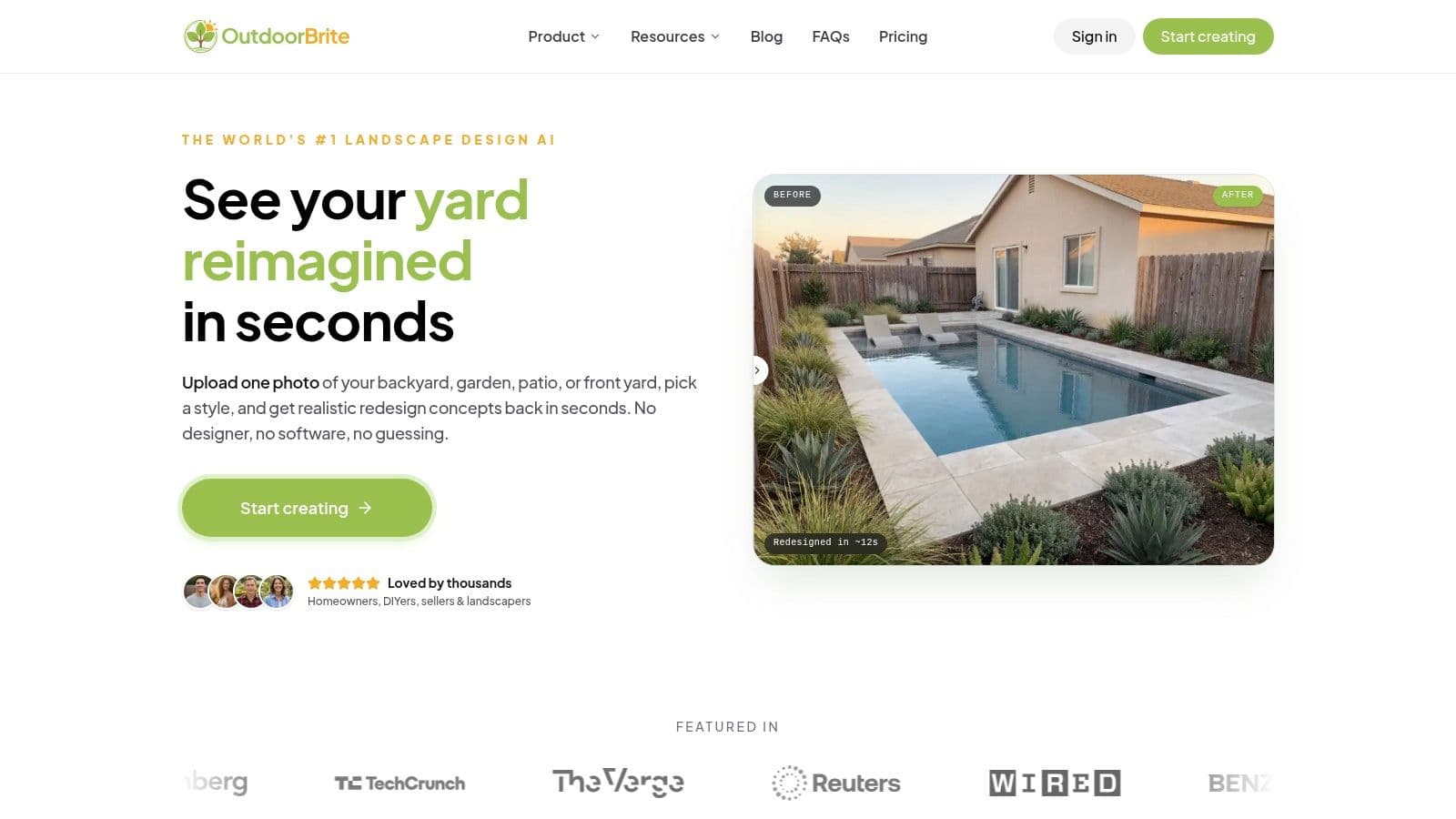
For a vegetable, herb, or fruit garden, Gardentasia lets you start drawing without creating an account. Set up your yard to scale, add beds, then plan crops with tools for sun and shade, frost dates, companion planting, and rotation.
The sun and shade simulation helps you account for nearby houses, fences, and trees rather than assuming a bed gets full sun all day. Frost-date guidance also helps align planting plans with local sowing windows.
Where the Free Version Stops
- Crop limit: Free access includes unlimited beds and plans, but the crop library is limited. Check Gardentasia's current crop list before planning around a particular crop.
- Edible focus: The planner is aimed at food gardens, not ornamental borders, lawns, or whole-yard design.
- Best use: A kitchen garden where crop spacing, rotation, and companion planting matter more than visual styling.
For common food crops, it offers room to plan multiple beds. If your garden depends on less common varieties, confirm they're in the free crop library before you build the layout around them.
2. The Measured Garden Designer
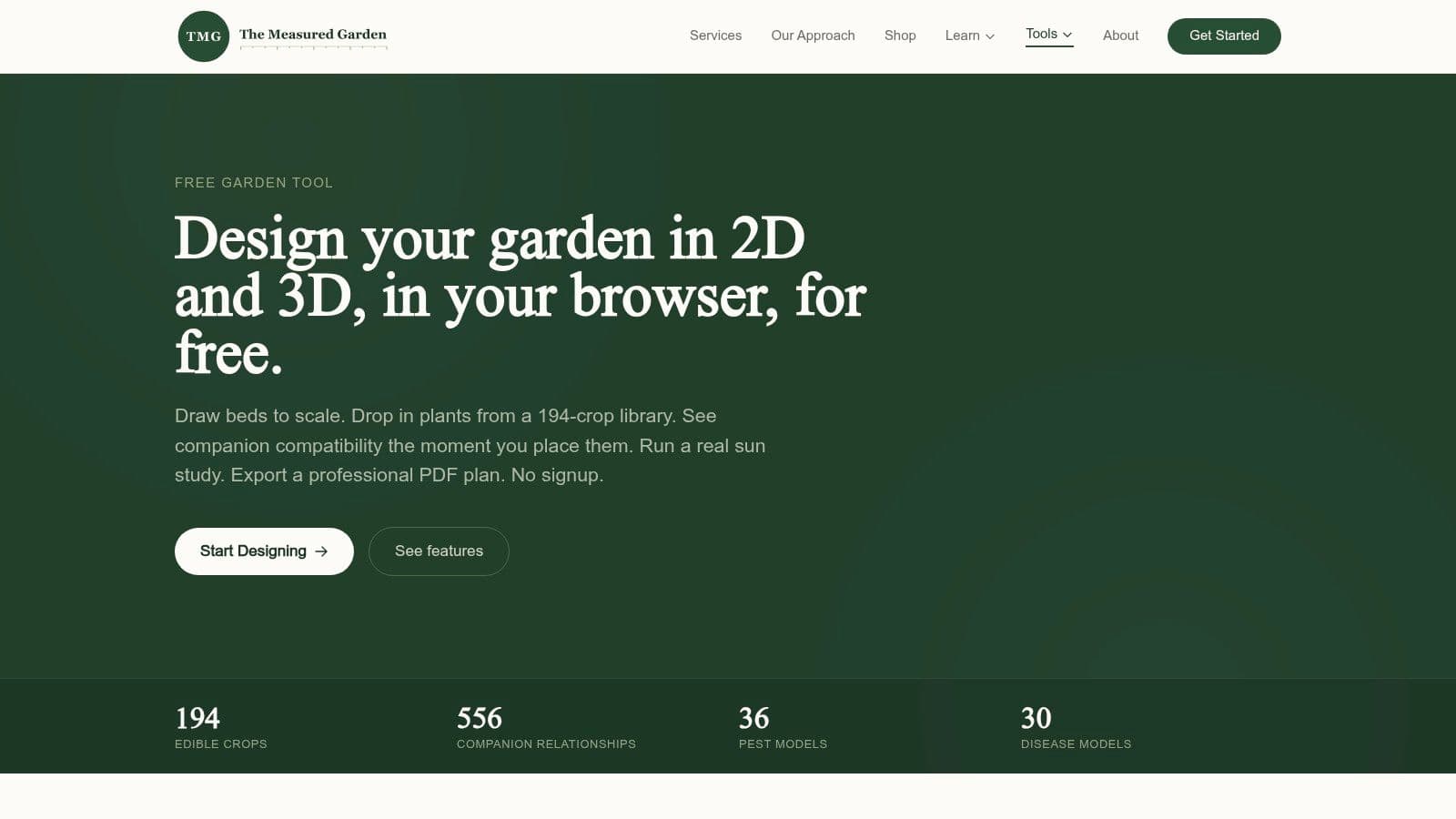
Start with measurements here, not vibes. The Measured Garden Designer lets you draw beds and paths freeform and to scale, then check spacing before you've committed a single plant. A standard 4 by 8 foot raised bed gives you 32 square feet, and densities vary sharply by crop, so that spacing check prevents the classic mistake of cramming tomatoes at lettuce distance.
You get 2D and interactive 3D views, plus overlays for companion planting, sun, and soil pH. Export is unusually complete for a free tool, with PDF, PNG, and JSON options. The PDF includes a scale bar, north arrow, and plant schedule, which is exactly what you want taped to a shed wall. It also sits well alongside the tools in this roundup of best free garden design software.
Practical rule: If you can't print your plan with a scale bar, you don't have a plan yet, you have a sketch.
No account or subscription is required and work autosaves in your browser. The trade off is density. The crop focused library suits edible gardens far better than ornamental plantings, and the amount of data can slow you down if you only need a rough sketch. If you're comparing your kit for the build as well, this 2024 cordless tool brand comparison is worth a look before you construct the beds you've drawn.
3. Seedtime
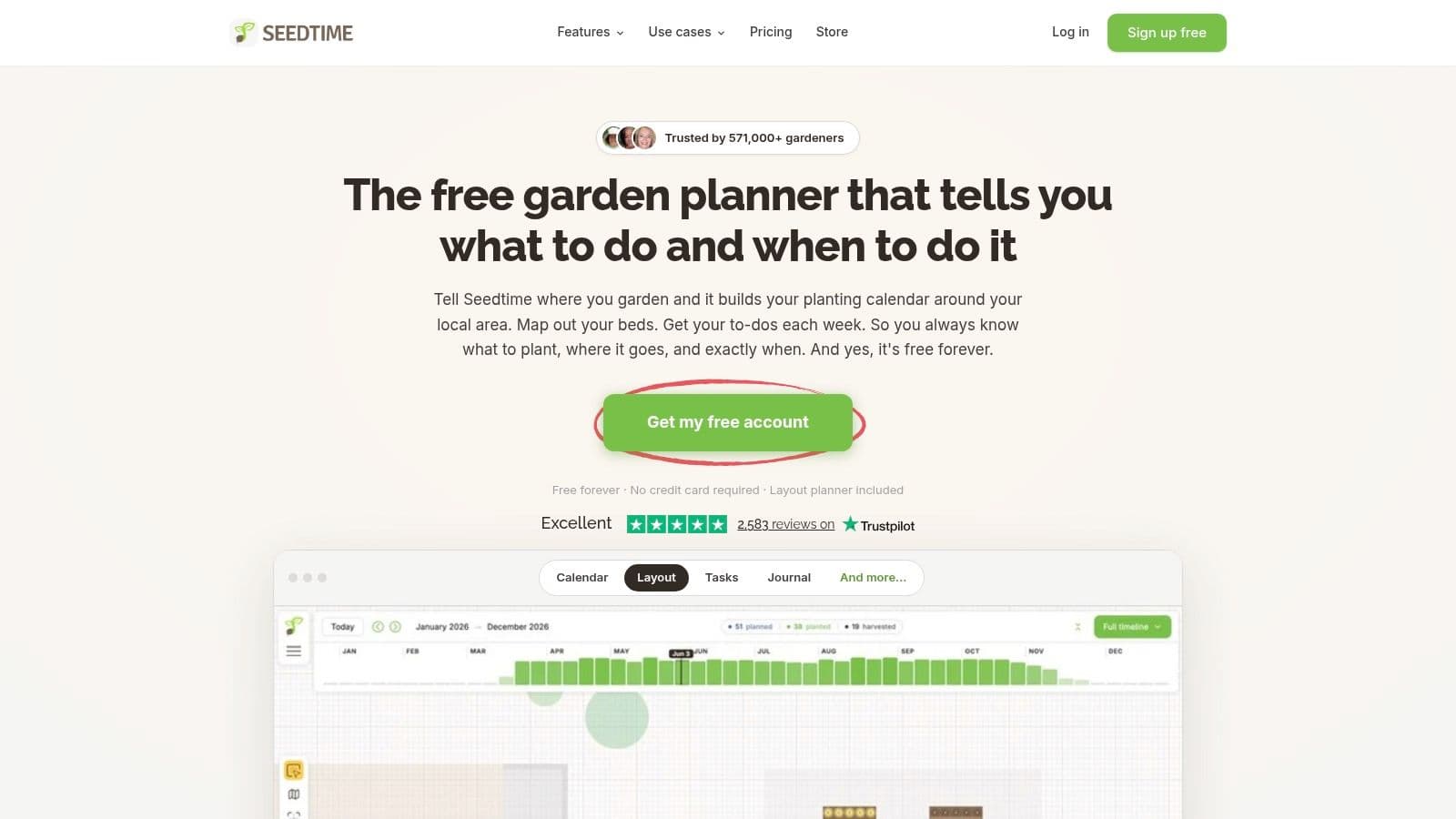
Seedtime answers a different question, which is not just where things go but when you'll plant, tend, and harvest them. Layout, calendar, tasks, and journal live together, so your plan doesn't die in a printed PDF that nobody opens again. For food gardeners who lose track of succession sowing, that connection is the key feature.
The free plan supports up to eight rectangular beds and one calendar, with built in crop varieties and location based schedules. Location based frost dates help tailor timing for U.S. gardeners, and ready made garden plans give you a starting layout to customize rather than a blank grid. That's a sensible onboarding path for beginners.
What You Give Up
- Rectangular only: Curved beds, odd corners, and ornamental shapes don't fit this model.
- Paid expansion: More layouts, more calendars, and custom crop features sit behind a paid plan.
- Food focus: It's aimed at food gardens, not whole yard design.
Eight beds sounds restrictive, but for most households it's enough for a serious first season. I like Seedtime when the risk isn't spacing, it's follow through. If you've ever drawn a perfect spring plan and then forgotten the July tasks, this structure will serve you better than a more powerful drafting tool you'll abandon.
4. Native Garden Planner
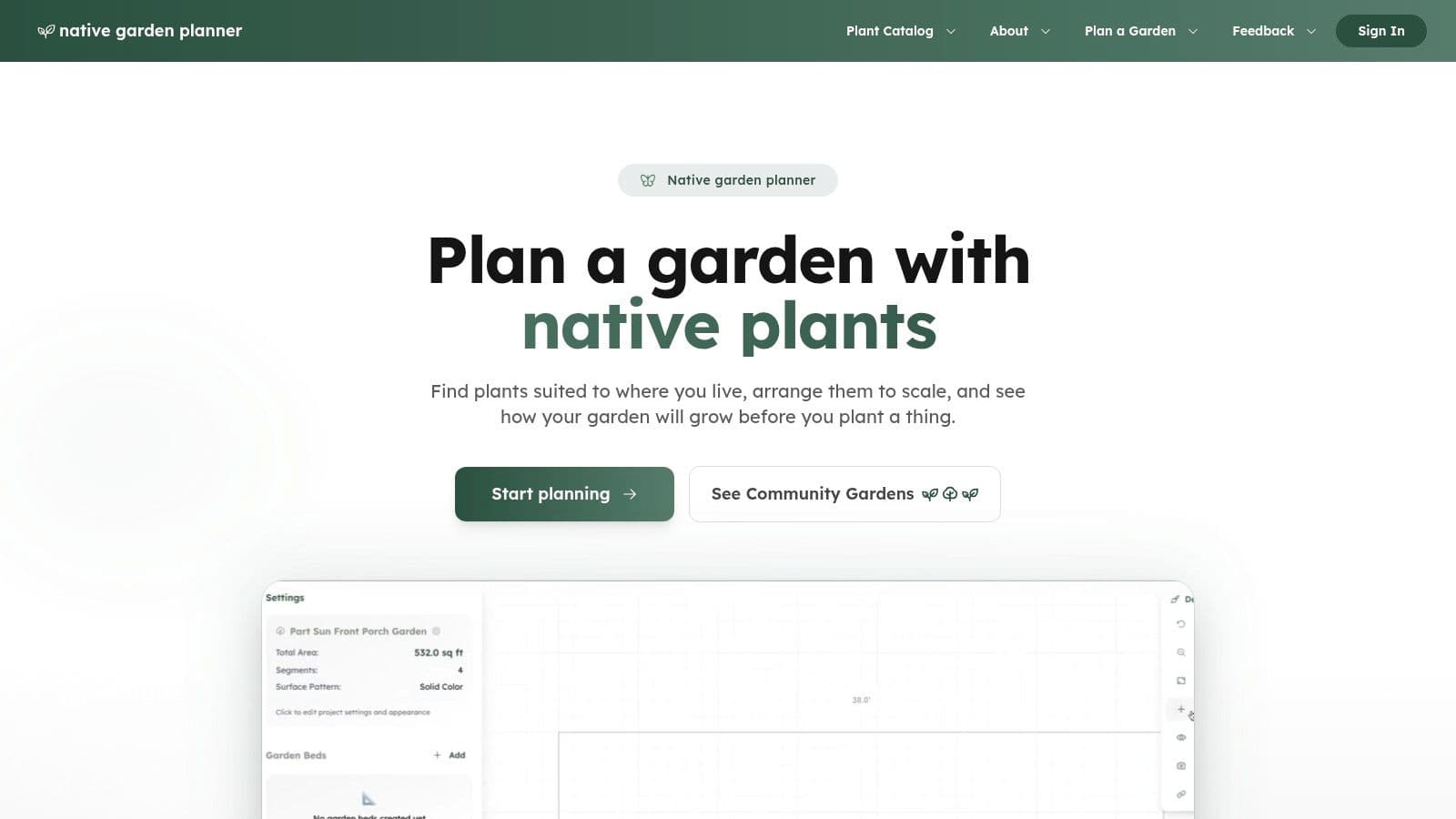
Don't use a generic planner and then try to retrofit native planting into it. Native Garden Planner starts with region, sun, soil, moisture, bloom time, and pollinator value, so the plant list is filtered before you fall in love with something your site will kill. Demand for that softer approach is real, since 28% of 1,400 U.S. homeowners surveyed by Monrovia in 2025 said they wanted their gardens to have a more natural look, according to Monrovia garden design trends research.
Layouts are to scale and show mature plant sizes, which stops the common error of spacing a young shrub like it'll stay nursery sized. You get top down and photo style previews, then PDF exports with plant and shopping lists you can hand to a nursery. Templates cover U.S. examples including Illinois, Georgia, California, and Florida gardens.
- Regional fit: Species are filtered for conditions, not just appearance.
- Free entry: A home gardener plan is available without a credit card.
- Clear limit: It's specialized for native planting, so general hardscape and whole yard planning aren't its job, and professional collaboration sits on separate plans.
Use it for a pollinator border or a native bed conversion. Don't force it to design your patio.
5. Permapeople Garden Planner
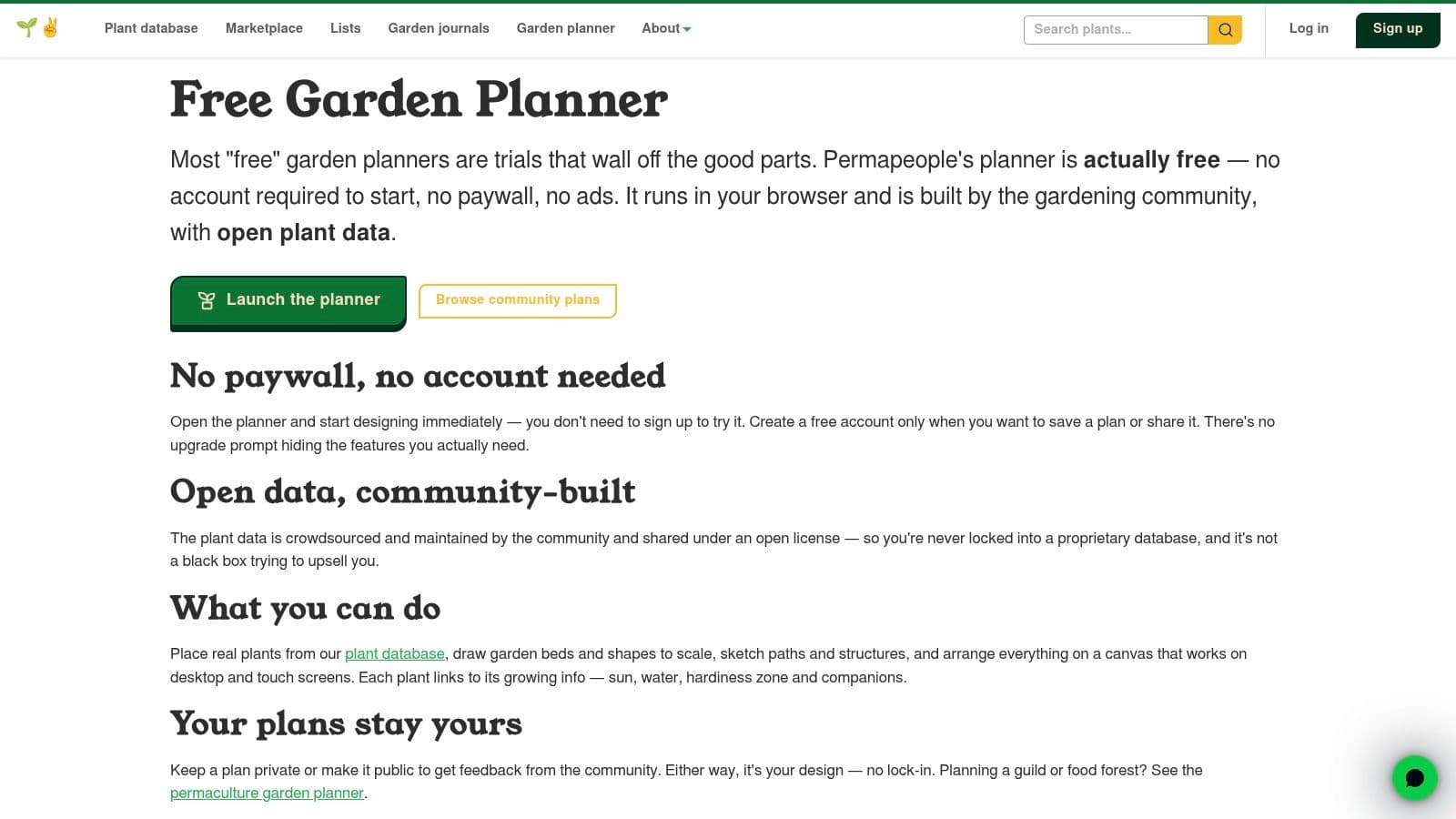
Permaculture growers plan in relationships, not rows, and Permapeople Garden Planner reflects that. You draw garden shapes, beds, and paths to scale, then place plants from a community database with profiles covering sun, water, hardiness, and companion information. It works on desktop and touch screens, so you can adjust a guild while you're standing in it.
You can try planning without an account, and the site says it has no paywall or ads. Community plans are useful here because you can adapt someone else's polyculture or perennial layout instead of starting from an empty plot. For perennial systems and guilds, that shared starting point saves real time.
The Honest Caveats
Saving or sharing your own plan requires a free account, so the no account trial is for testing fit, not for keeping work. Community maintained plant data can vary in depth and consistency, which means you should verify hardiness and spacing for anything expensive or permanent before you buy.
Don't trust a community plant profile with a tree purchase. Verify mature size and hardiness first.
I recommend Permapeople for growers who think in guilds and want examples to adapt. If you need a polished printable schedule for a contractor, pick a different tool from this list.
6. OpenLandscape3D
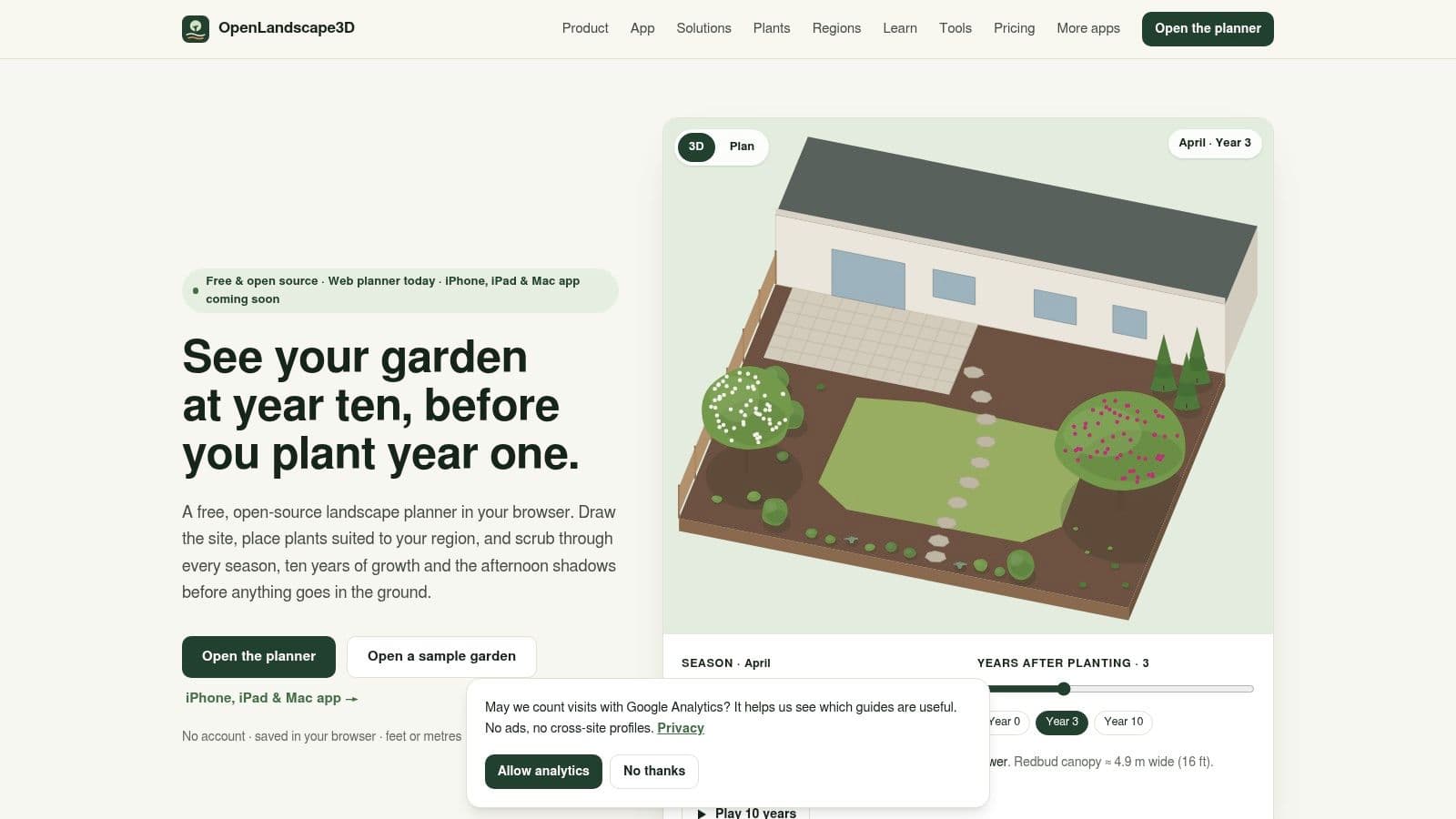
Most free tools show you your garden on planting day. OpenLandscape3D shows you what it'll look like later, with seasonal appearance, plant growth, and shadow previews in 2D and 3D. That longer view changes decisions, because a bed that looks balanced in spring can look bare in autumn or swamp a path by year three.
This free, open source browser planner needs no account, and designs stay in your browser unless you export or share them. The open file format is free too, so you're not locked into a proprietary plan you can't reopen later. You get a regional plant library with design checks, plus plant schedules, task calendars, and export options.
That regional tuning is both the strength and the trap. Plant selection is tuned to particular regions, so check local coverage before you invest an evening in a design built on plants that don't suit your climate. The web planner is intended for desktop and tablet browsers, with a mobile app listed as forthcoming, so don't plan to do detailed work on your phone.
If you're weighing it against broader options, compare it with this guide to Best free landscape design software. For long term ornamental planning on a proper screen, it's one of the most thoughtful free choices here.
7. GardenCAD
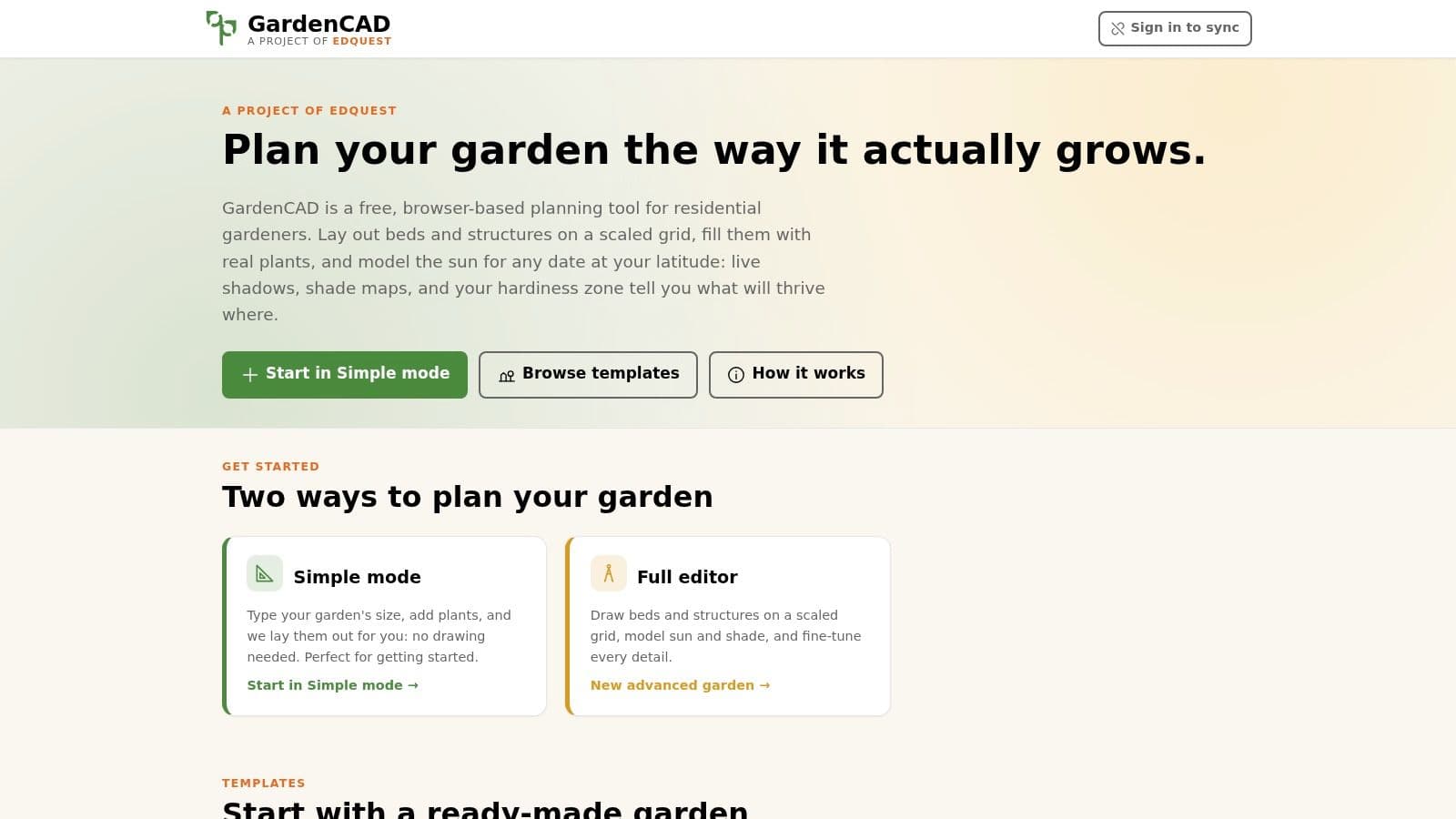
GardenCAD is built for people who want a planting plan without learning design software. A simpler mode arranges plants based on your garden dimensions, while a fuller grid editor handles beds and structures to scale when you want more control. That two level approach respects how people start, which is cautiously.
Its sun and shade modeling by location, date, and time is the standout. It models shade from structures and tree canopies, so you can see why a bed that gets morning sun fails for a crop that needs a full day. Ready made templates give you a starting arrangement to edit instead of a blank canvas.
- Approachable entry: Simple mode suits gardeners who don't want to draw everything manually.
- Real modeling: Shade is calculated, not guessed, once you set your site latitude.
- Clear ceiling: It's designed more for planting plans than for photorealistic whole yard visualization.
Set the latitude correctly before you draw anything, or the shade model is just decoration. Do that and GardenCAD becomes a sharp placement tool for residential beds. Skip it if your goal is to show family what the finished yard will feel like, because it won't sell a vision, it'll locate plants.
8. GARDENA myGarden
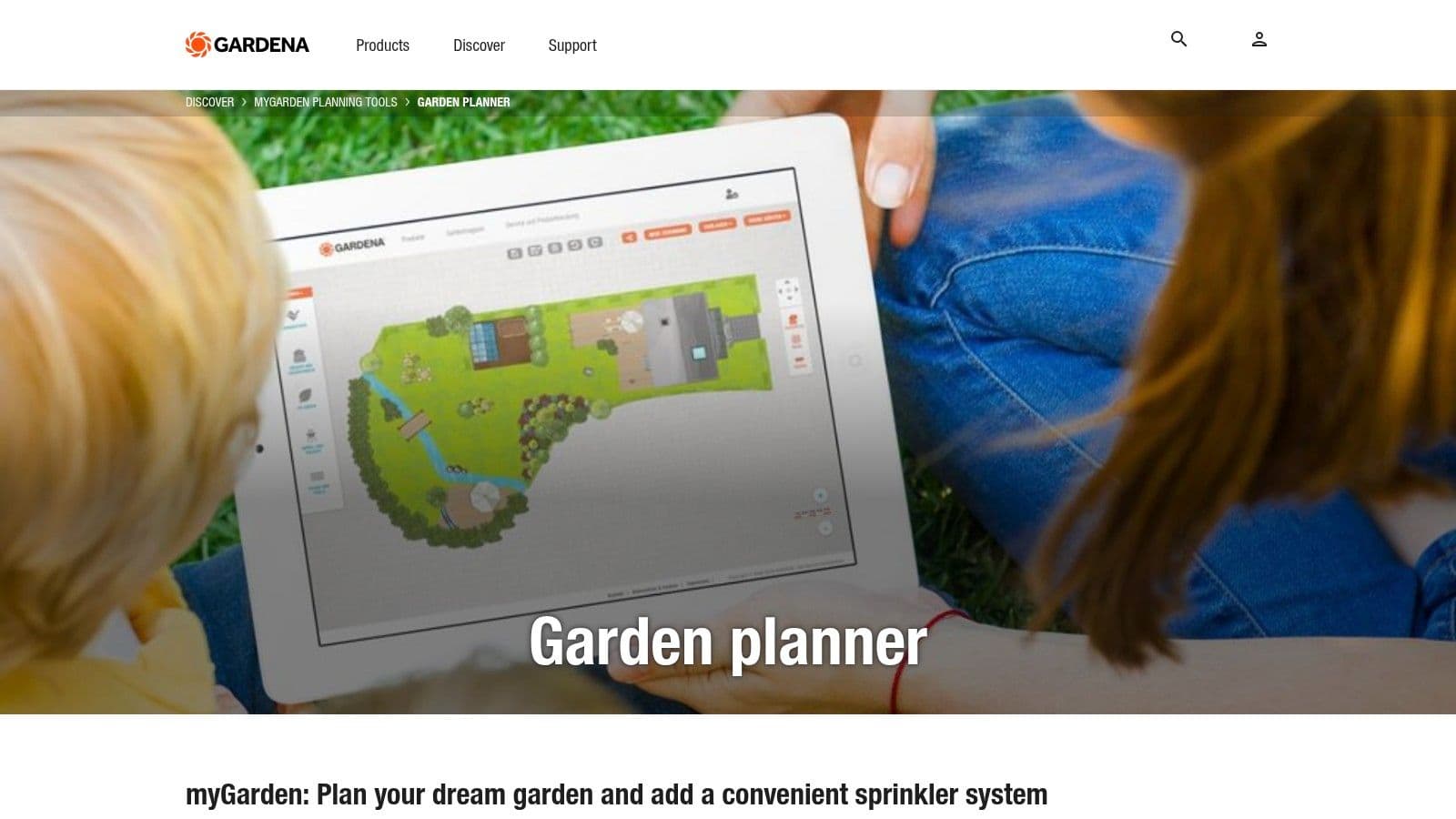
Sometimes you don't need a measured plan, you need to see whether a lawn, gravel area, water feature, and seating corner can coexist. GARDENA myGarden does that with drag and drop objects and surfaces, example garden layouts you can edit, and options to save and share plans. It's a free garden layout planner for concepts, not construction.
The hand drawn style presentation is friendly and fast. You can test whether beds crowd a path or furniture eats the lawn before you measure anything precisely. For a household conversation about direction, that speed beats accuracy.
Where It Breaks Down
That same style makes it poor for detailed construction documents, because a contractor can't build from a charming sketch. The separate sprinkler planning workflow is useful if you're thinking about irrigation alongside layout, but it's centered on GARDENA products, so treat the output as a product matched concept rather than a brand neutral irrigation design.
Use myGarden to agree on a layout direction with family in an evening. Then redraw the winning idea in a measured planner before you order materials. Skipping that second step is where people get hurt, because concept drawings hide the half foot that makes a gate unusable.
9. Sow
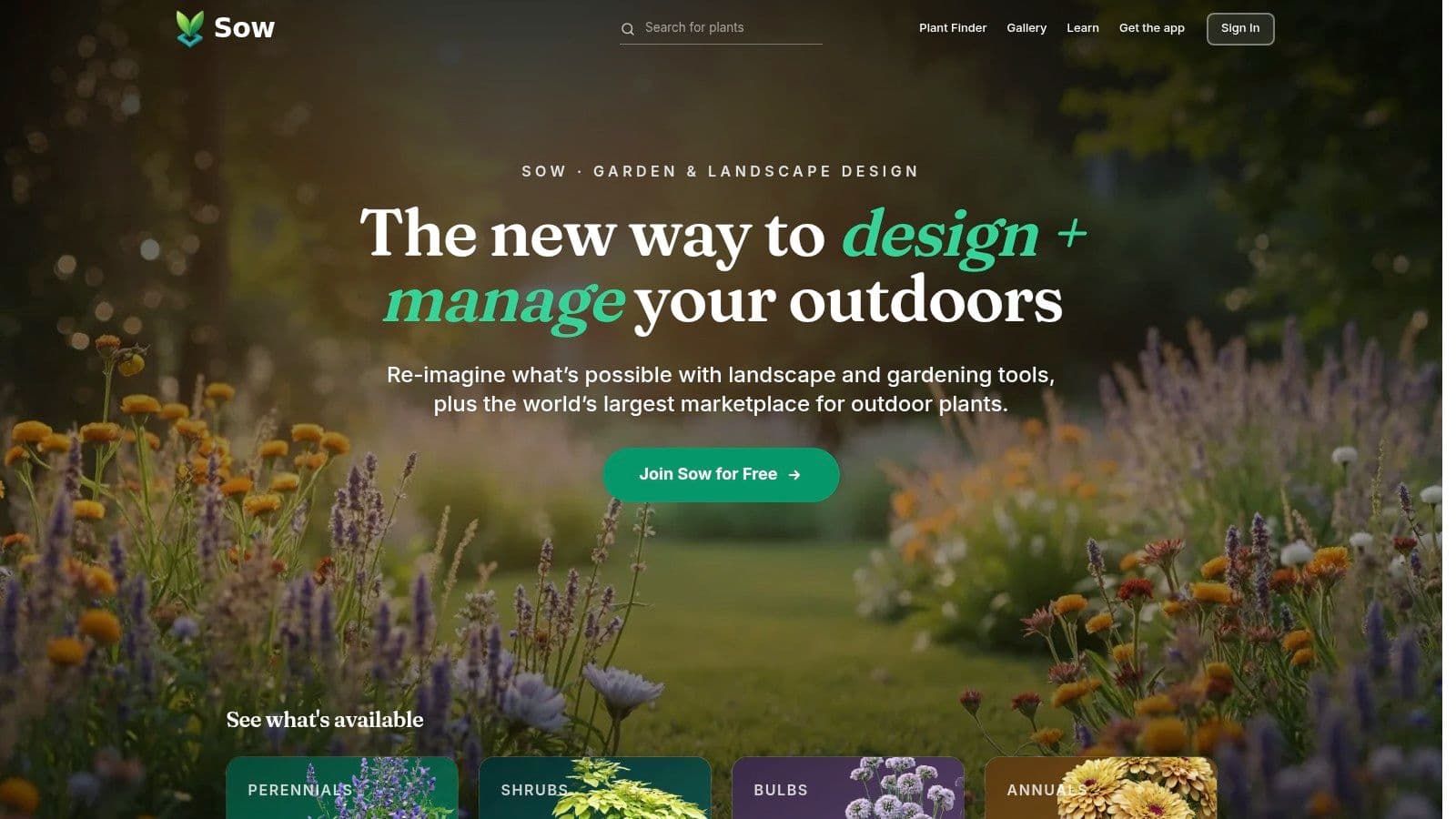
Sow skips drafting altogether. You upload an image of your space, select a style, and get a proposed planting plan and plant list from your actual photo. Photo based planning is available without an account, which makes it the lowest friction way here to test whether a tired border wants a cottage look or something cleaner.
Enter your ZIP code if you use it. That optional input helps tailor plant suggestions to your climate, and without it you're getting style ideas that may not survive your winter. Additional gardening tools sit alongside the planner if you want to dig further.
Be clear about the trade off, though. Sow suggests a planting plan rather than offering precise site drafting, so you won't get the scaled bed geometry or spacing control of a CAD style tool. Results also depend heavily on the photo and choices you provide, so a shadowy, angled snapshot will produce weaker suggestions than a straight, well lit one.
Photo tip: Shoot square on, in even daylight, with the whole bed in frame. A bad photo gives you a bad plan.
I like Sow for generating ideas when you're staring at a border and feeling stuck. I don't like it as your only planning step before buying plants.
10. OutdoorBrite
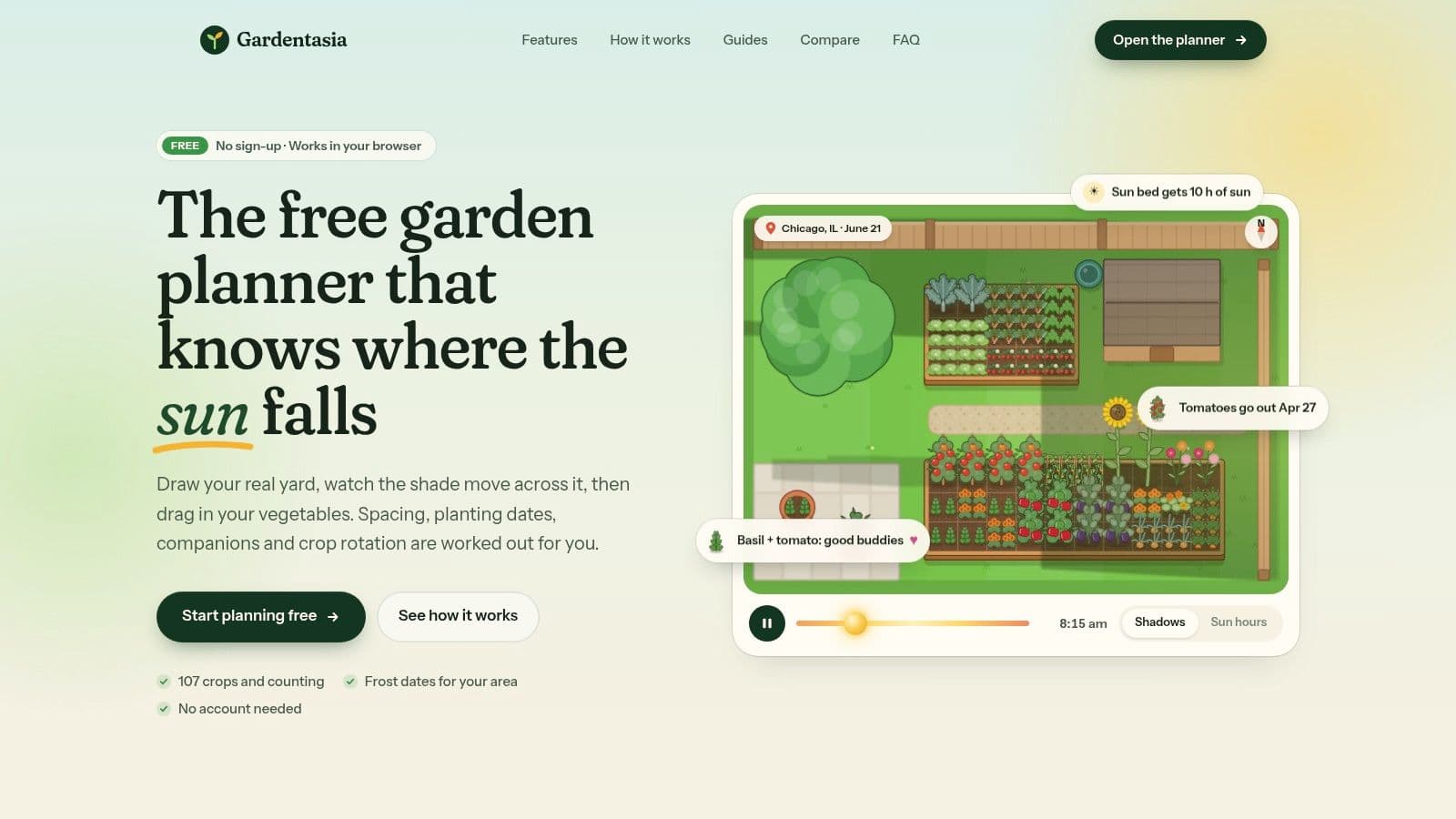
Need to see how a planting style might look on your actual yard before buying plants? OutdoorBrite turns one photo of a backyard, garden, patio, or front yard into realistic redesign concepts in seconds. Its ai garden design generator creates garden-bed and planting plans in styles including modern, cottage, Mediterranean, Japanese zen, tropical, and xeriscape.
Compare concepts on your own space, then refine a chosen direction with features such as fire pits, pergolas, and planting beds. The Plus plan includes regionally selected plants, a plant list for each design, and options to change plants, paving, and layout. It suits gardeners working through full borders with multiple styles and variations. The Business plan offers team access for garden designers generating client plans at volume.
What It Does Well and Where It Stops
- See the design in context: Concepts use your yard photo, and the garden can be returned replanted in your chosen style, with bed layouts to take to a nursery.
- Refine the concept: An elements editor lets you place features on your photo. Designs help compare ideas, but they are not measured installation plans.
- Use supporting planning tools: OutdoorBrite also offers free mulch, paver, and sod calculators, plus style and planting guides.
- Subscription-based plans: Plan prices are shown on OutdoorBrite's site.
- Check the practical details: Generated concepts need measurements and a feasibility check before installation.
For a garden designer, showing a client a plan on their own photo before pricing can reduce back-and-forth. For homeowners, the same photo-based approach makes it easier to compare styles before committing to plants or hardscaping. Visit the OutdoorBrite homepage to explore its design tools and planning resources.
Free Garden Layout Planner Tools at a Glance
| Best For | Garden Type | Account Required | Key Limitation | Export Options |
|---|---|---|---|---|
| Gardentasia, edible-garden layout and crop planning | Vegetables, herbs, and fruit | No account for free version | Free version includes 37 of 107 crops | Not specified |
| The Measured Garden Designer, detailed scaled plans and crop schedules | Edible gardens | No | Crop-focused; may be more detailed than needed for simple sketches | PDF, PNG, and JSON |
| Seedtime, connecting bed layouts with planting calendars and tasks | Food gardens with rectangular beds | Not specified | Free plan is limited to eight beds and one calendar | Not specified |
| Native Garden Planner, planning regionally appropriate native plantings | Native-plant gardens | No credit card for free home-gardener plan; account requirement not specified | Specialized for native planting, not general yard or hardscape planning | PDF plant and shopping lists |
| Permapeople Garden Planner, permaculture and community-based planting plans | Permaculture, perennial, guild, and polyculture gardens | Not required to try; required to save or share | Community plant data may vary in depth and consistency | Saving or sharing requires an account; file export not specified |
| OpenLandscape3D, exploring landscape designs across seasons and plant growth | General gardens with regional plants | No | Plant selection is region-specific; mobile app is forthcoming | Plant schedules, task calendars, and export options |
| GardenCAD, straightforward planting layouts with sun and shade modeling | Residential planting plans | Not specified | Better for planting plans than photorealistic whole-yard visualization | Not specified |
| GARDENA myGarden, visual garden concepts and irrigation planning | General gardens | Not specified | Concept planning rather than detailed construction documents | Save and share plans |
| Sow, generating planting ideas from a photo | Photo-based garden planting plans | No account to start photo-based planning | Not a precise, measured drafting planner | Plant lists; other export options not specified |
| OutdoorBrite, previewing yard redesign concepts on a real photo | Backyards, gardens, patios, and front yards | Subscription-based | Concepts are not construction blueprints | Save and share concepts; file export not specified |
How to Choose the Right Planner and What to Do After It
Start with the job your plan needs to do. For vegetables, choose Gardentasia or The Measured Garden Designer for scaled beds, rotation, and spacing. Seedtime is a better fit when planting dates and garden tasks matter more than drawing precise geometry. For pollinator planting or a border of regional species, use Native Garden Planner to narrow plant choices before laying out beds.
Permaculture and perennial growers can use Permapeople to explore community planting examples. Ornamental gardeners who want to consider plant growth and moving shadows should use Open3D or GardenCAD. GARDENA myGarden supports quick garden concepts and irrigation planning, while Sow offers photo-based planting ideas.
A planner's feature count does not guarantee that it will be easy to use. A UF/IFAS Extension evaluation of seven DIY landscape design programs scored six dimensions and found that usability varied substantially even when feature coverage was similar. Its professional benchmark scored 3.4 for overall quality and 2.8 for ease of use. Before settling on a tool, try creating a scaled plot, labeling plants, and exporting a printable plan. A tool you can finish a plan in is more useful than one you abandon.
Check Usability and Physical Access Before You Commit
Use your first session to check whether saving works reliably, whether the export is printable, and which features remain free. A 2026 peer-reviewed study of more than 180,000 gardening app reviews found that functional value accounted for 36.4% of identified value themes, with reviewers emphasizing reliability, usability, speed, and practical utility.
Then assess the layout as a physical space. Can you reach the back row without stepping on soil? Will mature plants narrow paths by midsummer? A planner comparison covering reachability and layout decisions identifies access as a practical planning consideration. Keep frequently harvested crops near paths, allow room for a cart or wheelchair if needed, and draw plants at their mature spread rather than their nursery size.
Plan for Your Climate and Then Verify Everything
Climate affects plant placement, water needs, and the timing of garden work. Oregon State reports that its Garden Future project received more than 1,200 responses from 25 counties after launching in 2025, and 88% of respondents said they were already experiencing climate change in their gardens, according to the Oregon State Extension Garden Future report. Practical responses included choosing drought-tolerant plants, adding mulch or shade structures, changing irrigation, and adjusting planting schedules. Group plants by water needs, place thirsty beds near a tap or rain capture, and plan mulch from the start. 52% of people planning landscaping projects in a 2025 Home Depot survey said they wanted to add or refresh mulch, according to the Home Depot spring projects survey.
For a small plot, measured allocation helps make the most of the space. The Royal Horticultural Society history page notes that the society was founded on 7 March 1804, and that Fulham Allotments, established in 1916, covers 14 acres with more than 400 plots. Many homeowners are also planning outdoor work: 62% of 1,028 surveyed U.S. homeowners in 2024 said they planned to tackle a landscaping project, according to Thumbtack Curb Appeal Trends reported by Garden Center Magazine. 65% of respondents to Axiom's 2024 Gardening Outlook Survey said they planned to plant more and expand their gardens, according to Green Profit on the Axiom Gardening Outlook Survey.
Treat any free planner's output as a working plan, not a purchase order. Check local plant availability, compare mature sizes with measured space, and confirm dimensions before buying edging, soil, or decking materials for a deck edge or raised platform.
For a whole-yard visual redesign, OutdoorBrite uses one photo of your real yard to generate concepts in a chosen style. Its garden bed layouts can be taken to a nursery; Plus includes plants selected for your region and a plant list for each design. Garden designers producing plans for clients at volume can use the Business plan, which includes team access.
Upload one photo of a backyard, garden, patio, or front yard to OutdoorBrite, choose a style from cottage to xeriscape, and compare realistic redesign concepts of your own space. Use the concepts to refine a direction before discussing the project with family or getting it priced.
See your yard reimagined
Start creating