The 10 Best Landscape Design Apps of 2026
Find the best landscape design app for your project. We compare 10 top tools for homeowners and pros, from AI visualizers to pro CAD. Plan your dream yard.
A yard project usually stalls at the same point. The homeowner can describe the fire pit, the path, the new beds, maybe a pergola by the patio, but they still cannot tell what fits the space, what clashes, or what will prove worth building. That gap between an idea and a workable plan is where time and money get burned.
A good design app helps close it. You can test layouts before digging, compare materials before ordering, and show a contractor, spouse, or client something more useful than a rough sketch. If you're planning designing outdoor areas in Greater Vancouver or trying to sort out your own backyard, the right tool can prevent an expensive redo.
A common mistake is treating every app like it does the same job. It does not. Some tools are built to answer, "What could this space look like by tonight?" Others are better for, "Can I present this to a client?" or, "Can I draft a planting plan with real dimensions?" That is the lens that matters.
In practice, most apps fall into three working groups:
- AI visualizers: Tools like OutdoorBrite Money turn a yard photo into fast concept options. They are useful for early direction, style testing, and quick buy-in. They are not the right choice for construction-level detail.
- 2D and 3D design software: Programs like SketchUp, Realtime Landscaping Pro, and VizTerra give you more control over scale, structure, and revisions. They take more time to learn, but they are better when measurements and buildability matter.
- Simple mobile planners: Apps like iScape and Home Outside are good for quick mockups on a phone or tablet. They work well for rough layouts and conversations, but they have limits once a project gets technical.
That jobs-to-be-done approach makes this list more useful than a generic feature roundup. A fast visual concept, a polished proposal, and a detailed garden plan are three different jobs, and the best app for one is often the wrong app for the next.
Table of Contents
- 1. OutdoorBrite Money
- 2. iScape iOS Android
- 3. Home Outside Yard Planner iOS
- 4. Realtime Landscaping Pro Idea Spectrum
- 5. PRO Landscape PRO Landscape+
- 6. VizTerra by Structure Studios
- 7. SketchUp
- 8. Home Design 3D Outdoor Garden
- 9. Planner 5D
- 10. Garden Planner Small Blue Printer
- Top 10 Landscape Design Apps – Feature Comparison
- From App to Action Bring Your Design to Life
1. OutdoorBrite Money
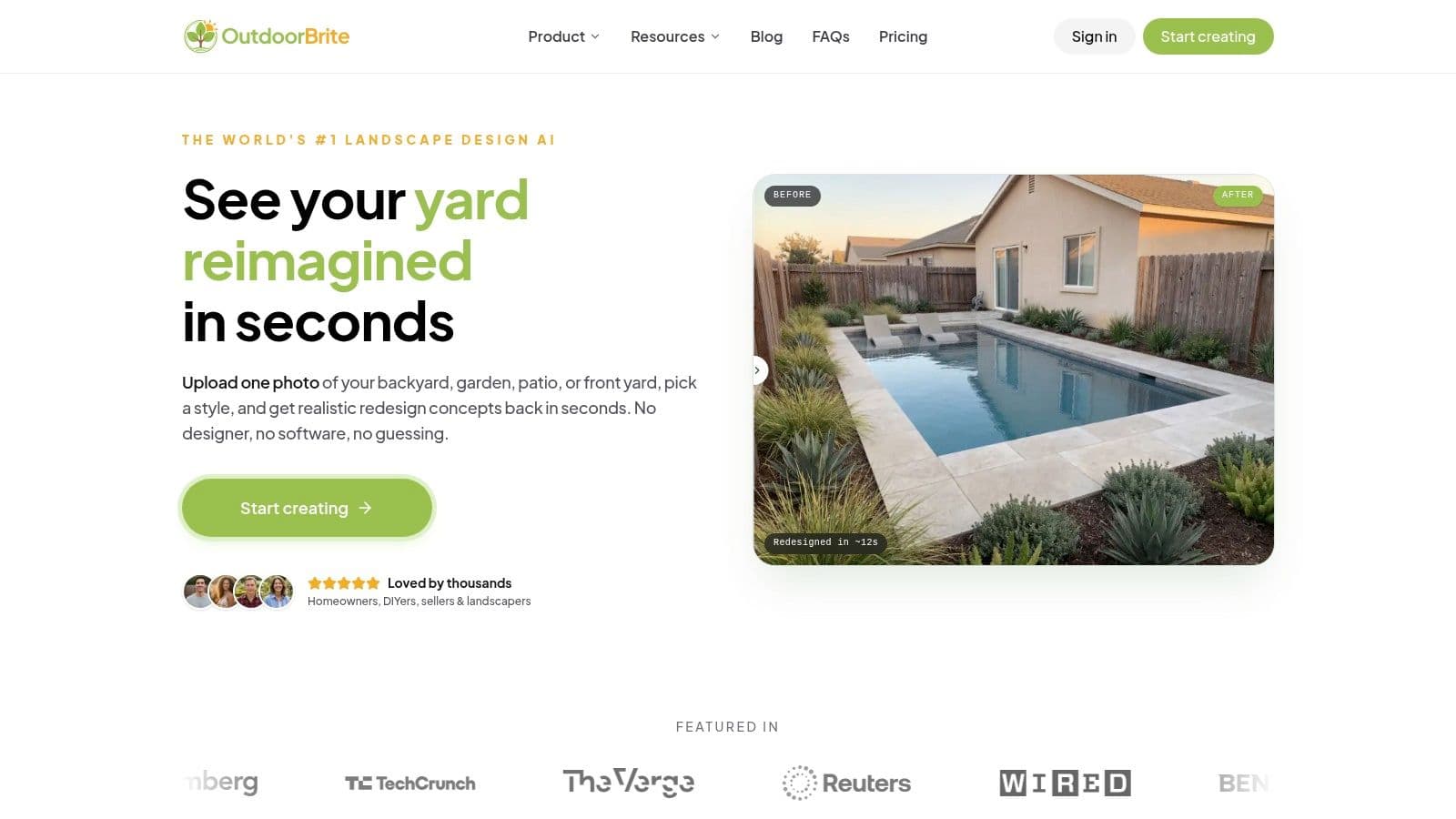
A homeowner sends a photo of a tired front yard at 8 a.m. By lunch, they want to know whether they should go modern, drought-tolerant, or stay traditional. That is the job OutdoorBrite Money handles well.
It is built for the earliest decision in an outdoor project. "Show me believable options on my actual property, fast." You upload a photo of the yard, patio, garden, or backyard, pick a style direction, and generate concept images quickly. That speed matters because early indecision is where a lot of projects stall.
Best for fast visual direction
In jobs-to-be-done terms, OutdoorBrite is strongest for "I need to visualize ideas quickly before I spend time on detailed planning." It skips the slow setup work that comes with drafting or 3D modeling. For a homeowner, that means clearer decisions. For a contractor or designer, it means faster concept rounds and fewer vague conversations about "maybe something cleaner" or "a more resort feel."
It also goes beyond simple plant swaps. You can test bigger outdoor moves such as pools, decks, pergolas, fences, retaining walls, and low-water concepts. That makes it useful for pressure-testing direction before anyone starts pricing stone, irrigation, or install labor.
If your main need is instant concept generation from a real site photo, ai landscape design software fits that job better than a manual drag-and-drop app.
Where it fits in a real workflow
I would use this at the front end of a project, not at the construction documentation stage. It gives you visual clarity first. Measured plans, planting schedules, grading notes, and build details still come later in other tools.
That trade-off is reasonable. Early on, the main question is usually not exact spacing or base prep depth. It is whether the client wants a warm, natural yard, a clean architectural garden, or a lower-maintenance setup they will approve and build.
It works well for both sides of the table. Homeowners can sort through ideas without learning design software. Pros can present options faster, tighten the sales process, and get buy-in before putting hours into a formal plan.
A few practical notes:
- Best use case: Early concept development from a photo of the actual property
- Big strength: Multiple design directions on the actual site, without building a full model first
- Main limitation: It does not replace measured drawings or contractor-ready documents
- Who should skip it: Users who need drafting accuracy before they need visual direction
AI yard planning tools are getting more common, but OutdoorBrite stays focused on one specific job and does it well. It helps people see a convincing future version of their outdoor space while the project is still flexible.
Use it here: https://www.outdoorbrite.com
2. iScape iOS Android
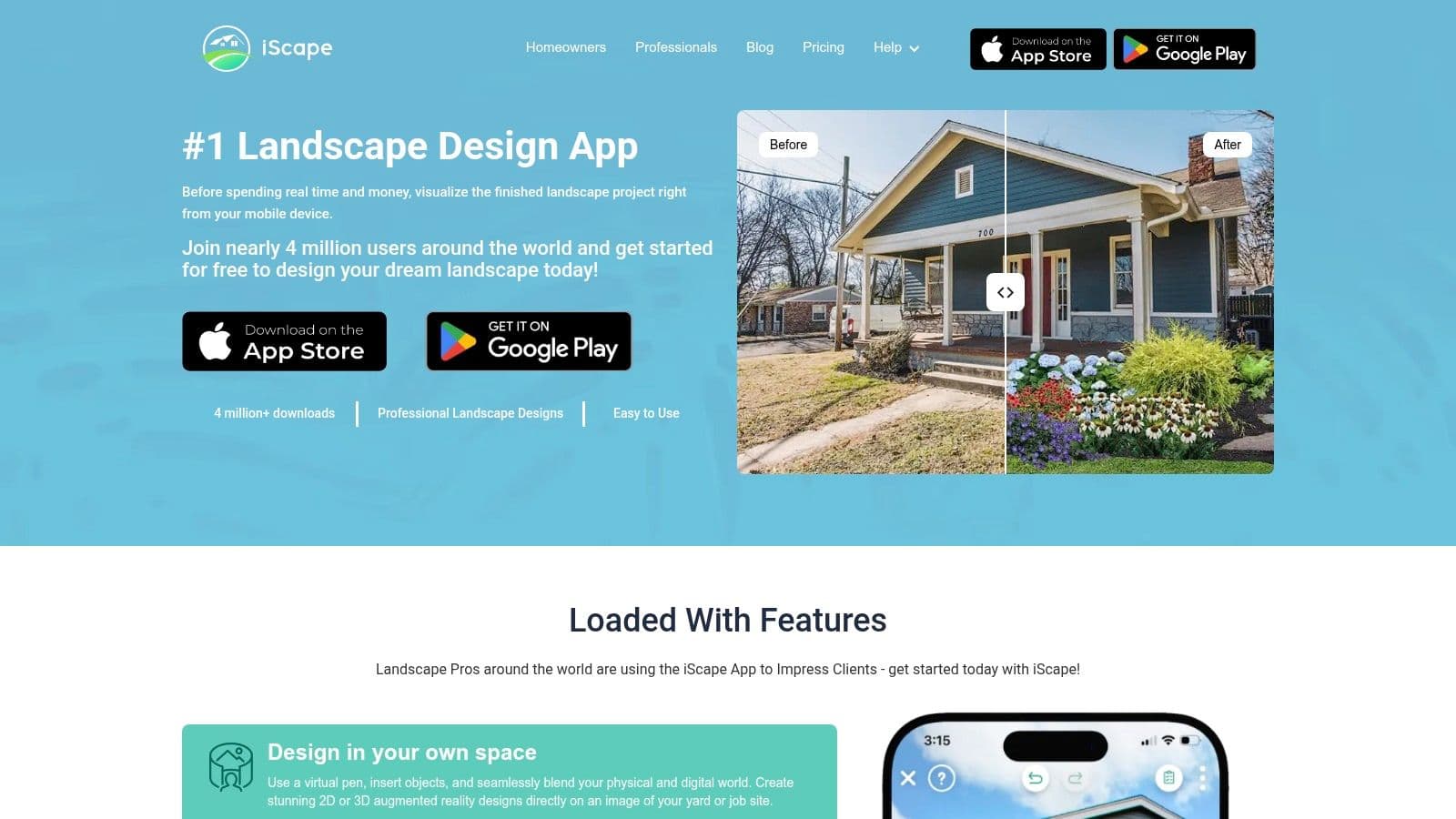
A contractor is standing in the driveway with a client, phone in hand, trying to get a fast yes or no on bed lines, plant massing, and a patio refresh. That is the kind of job iScape handles well.
iScape is built for mobile use first. You work from photos of the actual yard, place plants and hardscape elements, and build a quick visual without sitting down at a desktop program. On iPhone and iPad, the AR tools add a little more confidence during on-site conversations. On Android, expect a lighter version of the experience.
Best for mobile client conversations
Using the Jobs-to-Be-Done lens, iScape fits the job, "I need to show a homeowner a plausible direction while I'm still on site." That is different from, "I need a measured planting plan," and it is also different from, "I need several instant concepts before I start placing objects by hand."
That distinction matters. iScape still depends on manual placement, so speed is good, but not instant. If the primary job is fast idea generation from a property photo, backyard design ai is usually the quicker route. If the job is presenting one rough concept clearly from a phone or tablet, iScape makes more sense.
I use tools like this to shorten the back-and-forth. Clients react better to something they can see on their own property than to a verbal description of shrubs, edging, and stone.
Here are the trade-offs:
- Best use: On-site mockups, quick concept presentations, and early sales conversations.
- Works less well for: Scaled drafting, drainage layouts, lighting plans, and build-ready documents.
- Real strength: Mobile workflow. You can move from photo to presentable concept quickly.
- Real limitation: The more detail and precision you need, the faster you will hit the ceiling.
iScape is a practical bridge between inspiration photos and professional design development. For homeowners, that can be enough. For contractors and designers, it is a solid front-end tool, especially when the goal is getting client buy-in before putting serious time into formal drawings.
Use it at iScape.
3. Home Outside Yard Planner iOS
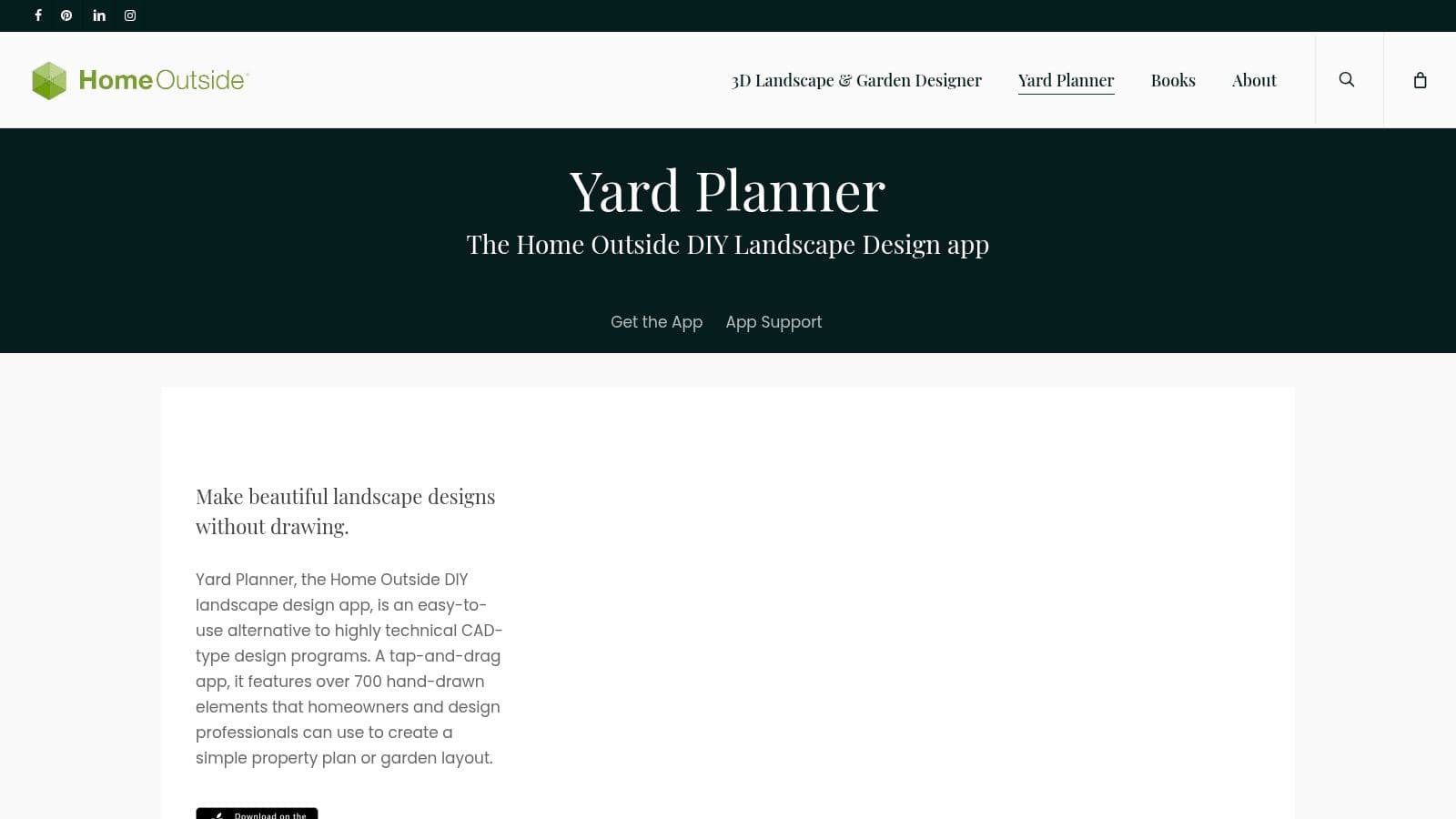
Home Outside feels more like sketching with purpose than using formal design software. That's a compliment. Some projects don't need a glossy render yet. They need a clear layout that helps you think.
This app uses a hand-drawn visual style and simple planning tools, which makes it approachable for homeowners and surprisingly useful for pros in the earliest phase. When I need to rough in paths, patio zones, planting beds, and furniture areas without getting dragged into over-detailing, this kind of tool is exactly enough.
Best for rough layouts without software fatigue
The job here is "help me arrange the yard without making me learn CAD." It works best when you're sorting relationships between spaces. Where does the dining zone go? How wide should the path feel? Does the bed shape support the circulation?
That hand-drawn approach is also good for communication. People react less harshly to a sketch than to a polished render. A sketch invites discussion. A glossy image makes clients assume everything is finalized.
- Strong fit: Early concept layouts, especially for DIY planning.
- Less useful for: Technical hardscape detailing or a polished sales presentation.
- Best mindset: Use it to think, not to prove.
If your next step is a fast visual makeover rather than a hand-built layout, backyard design ai gets you to a realistic direction faster.
Home Outside is still a 2D-first tool. That's the limitation, but also the reason it's easy to use. It doesn't try to be everything.
Use it at Home Outside Yard Planner.
4. Realtime Landscaping Pro Idea Spectrum
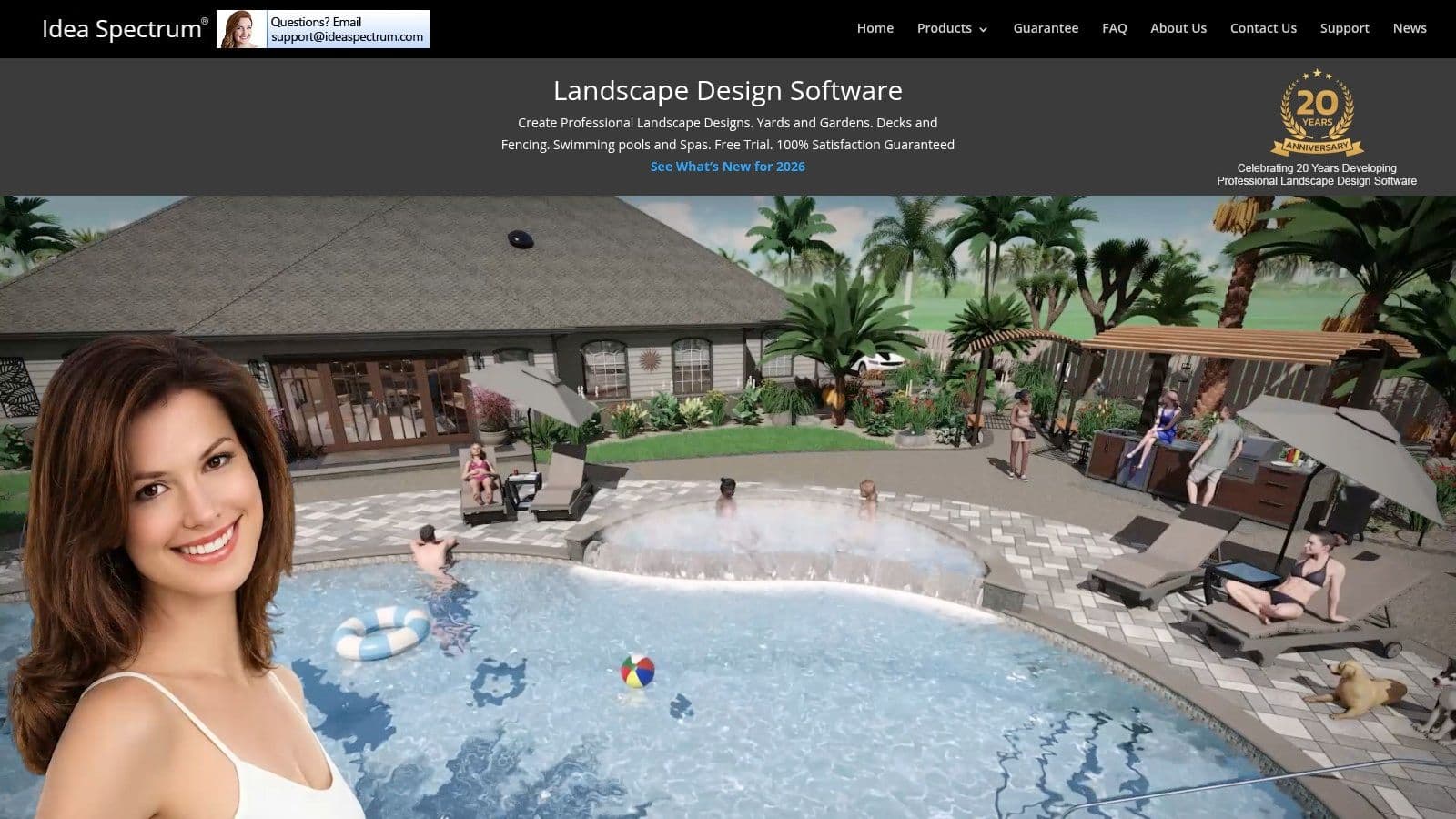
Realtime Landscaping Pro is one of those tools that earns its place by being very specific. It's built for exterior design, and that matters. You don't spend half your time wrestling a general-purpose modeling tool into doing exterior design work.
For serious DIYers and contractors on Windows, it's a practical middle ground. You get stronger 3D capability than the mobile apps, but you don't have to jump all the way into a heavyweight architectural workflow.
Best for serious DIY design on Windows
This is a good fit for the job "I need to build a real outdoor concept and walk through it before we commit." Decks, patios, fences, planting, and water features are all in its wheelhouse. The rendering and walkthrough side helps clients understand a design much faster than a flat plan.
The trade-off is that it still isn't a full CAD environment. If your work depends on detailed technical drafting, you'll hit the edges. But for presentation-grade design and practical planning, it covers a lot of ground.
A realistic walkthrough can close the gap between "I think this works" and "yes, let's build that."
I especially like tools like this for outdoor living projects where elevation, materials, and sightlines matter. You can test whether the patio feels tucked in, whether the fence height is visually heavy, and whether the planting softens the hardscape enough.
- Why choose it: Strong exterior focus and solid 3D visualization.
- Why not: Windows-only, and not the best choice if you need full technical drafting.
- Best user: Contractors, exterior designers, and committed DIY planners.
Use it at Realtime Landscaping Pro.
5. PRO Landscape PRO Landscape+
A common contractor problem looks like this. The design gets approved, then someone has to rebuild the same job in a proposal, chase revisions across email, and explain pricing from scratch. PRO is built for that part of the work, not just for making the yard look good on screen.
Using the Jobs-to-Be-Done lens, its best fit is clear. "I need a professional client proposal and a sales workflow that stays organized." That is a different job from quick idea generation, where a faster AI tool like OutdoorBrite makes more sense.
Best for contractor proposals and sales workflow
I usually point contractors here when they are tired of bouncing between separate design, estimating, and presentation tools. Its primary value is continuity. You can build a concept, turn it into client-facing documents, revise it, and keep the sales conversation tied to the same system.
That comes with trade-offs. Setup takes time. The interface is more workmanlike than modern consumer apps, and Mac-first teams may not love a Windows-heavy setup. But if your business depends on selling installed projects, those compromises can be reasonable.
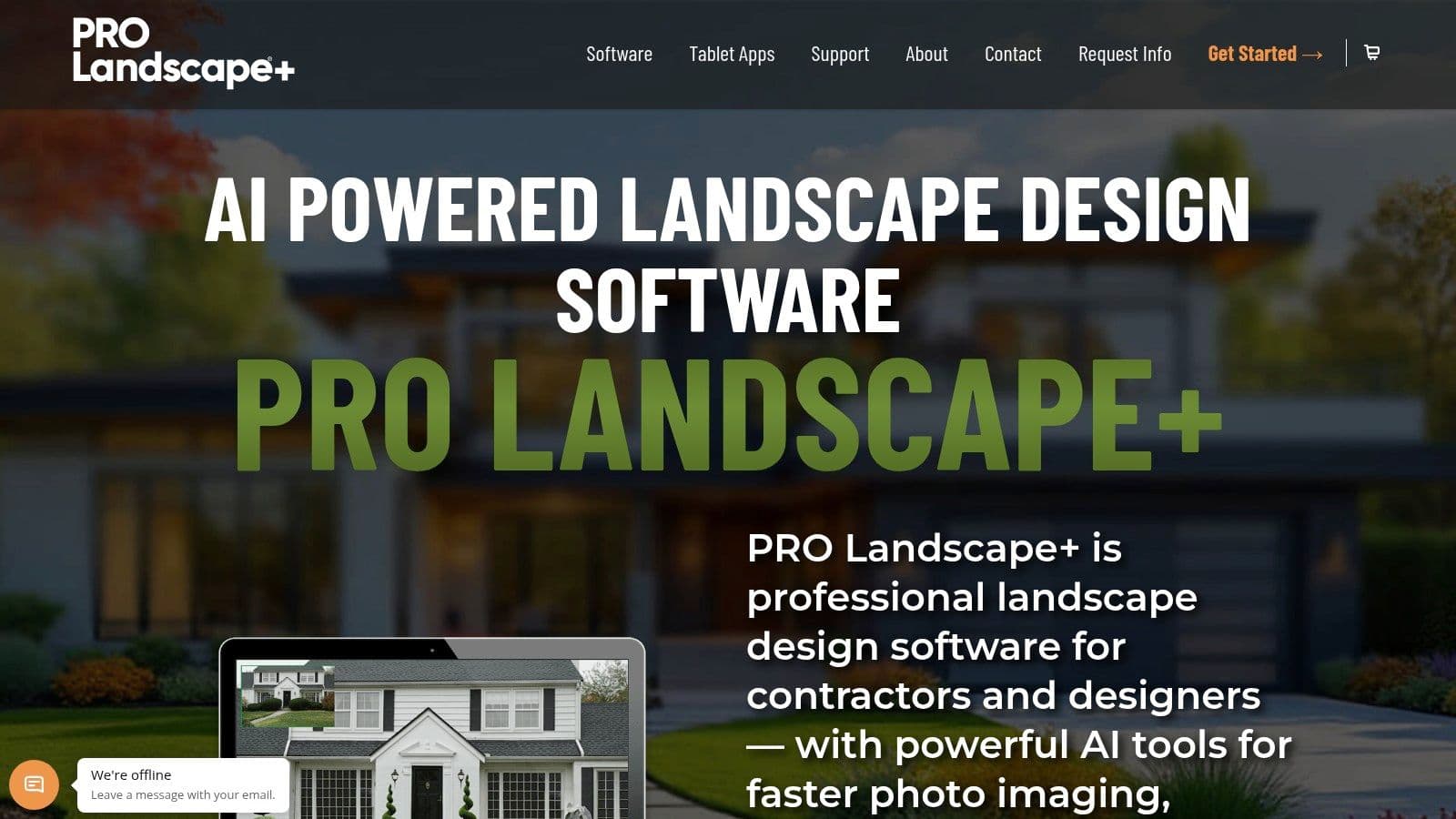
PRO also helps clarify a split that many roundup articles miss. Some apps are best for "show me ideas fast from one photo." Others are better for "help me sell, revise, and present a project without rebuilding everything twice." PRO sits firmly in the second camp, as shown in the PRO Landscape tablet app overview.
- Use PRO when: You need proposal documents, revision control, and a workflow that supports sales conversations.
- Skip it when: You want instant mockups with minimal setup.
- Best user: Design-build firms, contractors, and sales-driven outdoor project teams.
Use it at PRO Landscape.
6. VizTerra by Structure Studios
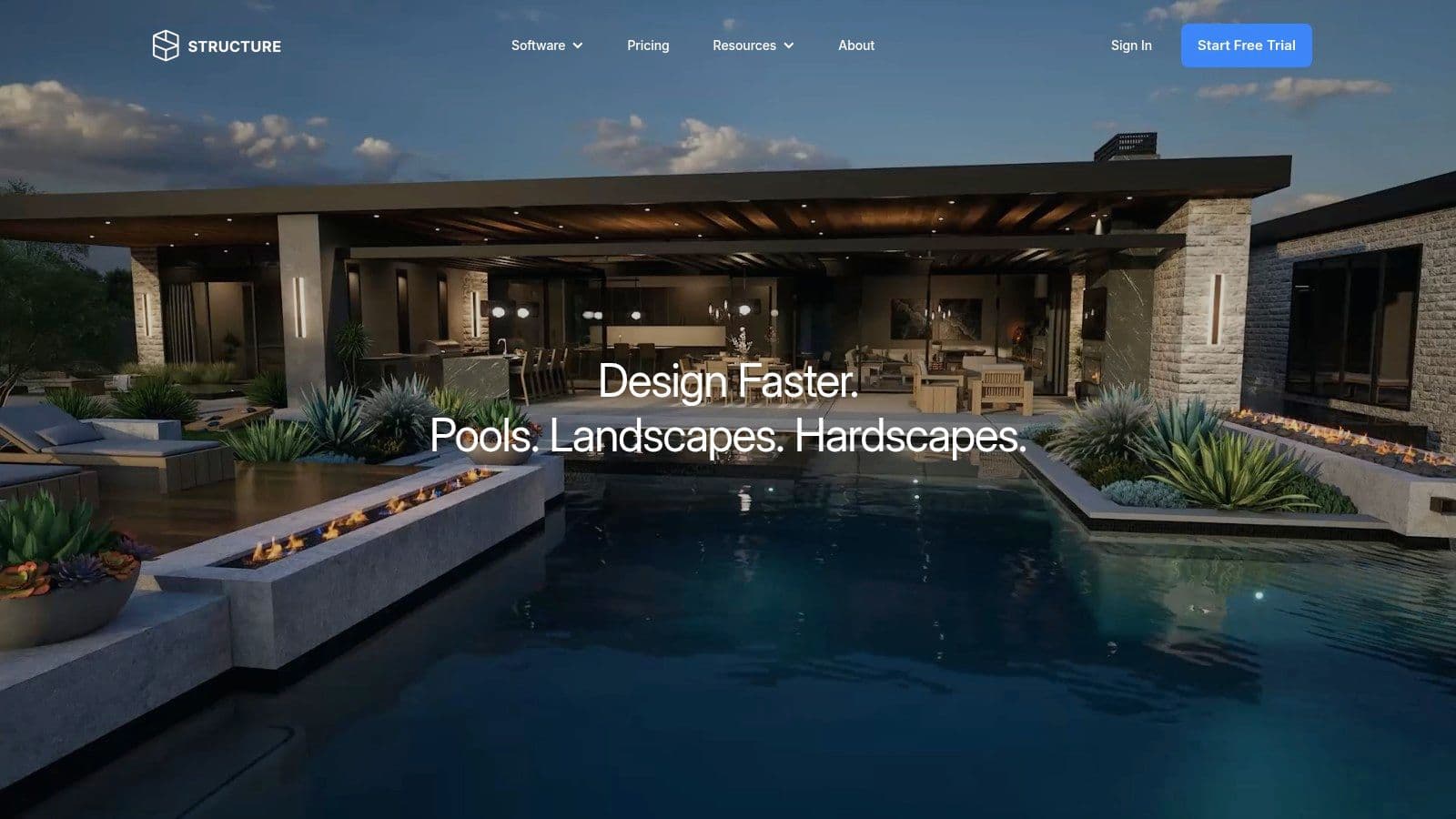
VizTerra is what I'd call a presentation-first professional platform. It's designed for firms that sell premium outdoor living spaces and need the design to look polished before the project is built.
That matters most for patios, decks, pergolas, kitchens, and larger backyard transformations. When the project value is high, rough visuals stop being enough. Clients want to see the space with more depth and finish.
Best for high end outdoor living presentations
The job VizTerra handles best is "help me present a convincing outdoor living design that feels close to real." It shines when the design includes structures and lifestyle elements, not just planting beds.
The support and training side also matters. More advanced platforms pay off only if the team uses them effectively. VizTerra has a reputation for being stronger when a company commits to the system instead of treating it like a casual app download.
Polished visuals don't replace good design judgment, but they do reduce friction when clients struggle to read a plan.
The downside is straightforward. This is more software than most homeowners need, and more cost than many small teams want to carry if they only design occasionally.
- Best fit: Outdoor living firms, pool designers, hardscape-heavy companies.
- Weak fit: Light DIY use or quick concept testing.
- Bottom line: Strong for selling premium work. Overkill for basic yard planning.
Use it at VizTerra by Structure Studios.
7. SketchUp
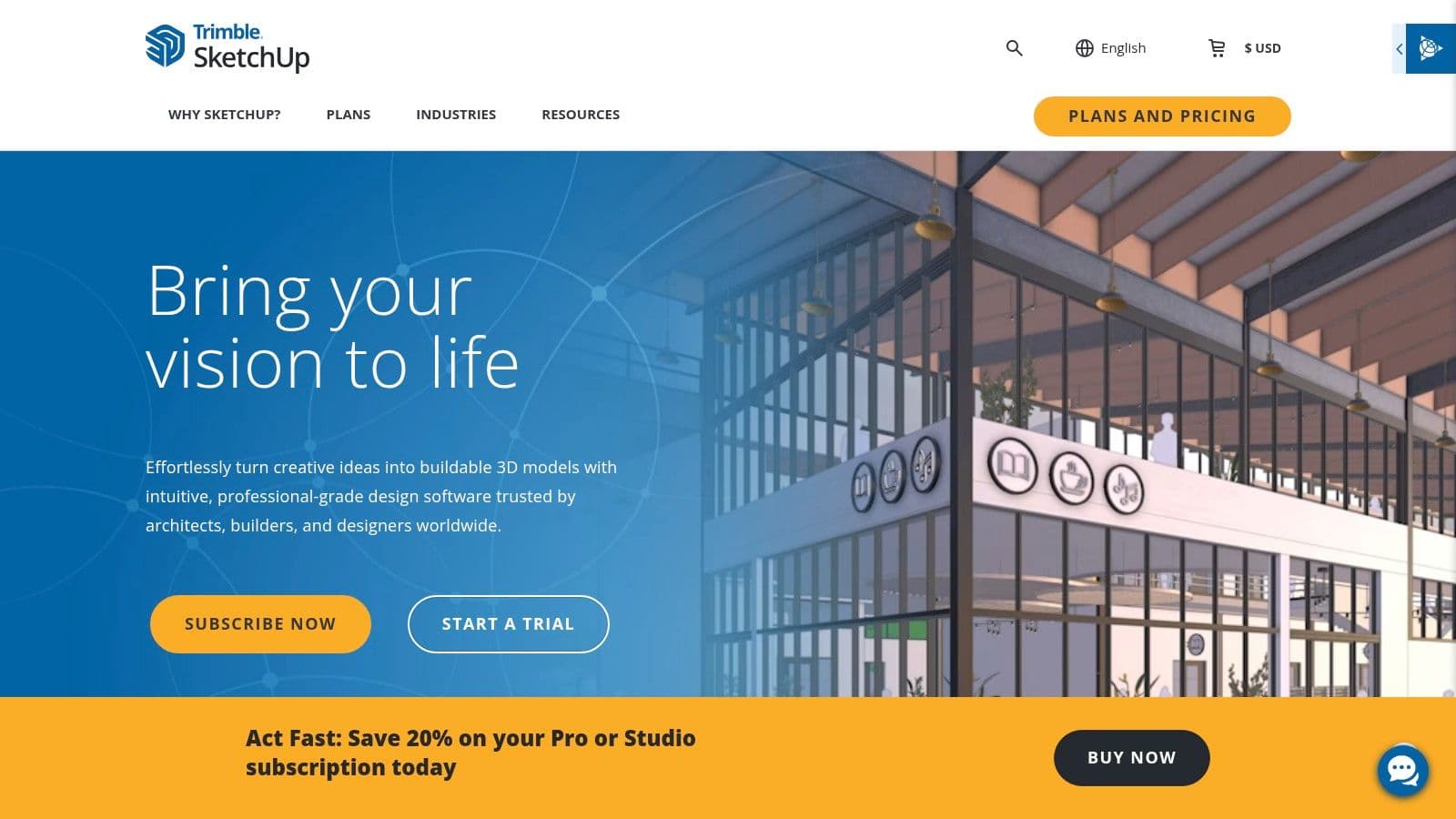
A client asks for a sloped yard with a custom pergola, seat wall, grill island, and steps that have to fit the grade cleanly. That is the kind of job where SketchUp starts to make sense.
SketchUp is a modeling tool first. It is not built around planting plans, irrigation, or ready-made yard workflows. The payoff is control. If your real job is "I need to model custom structures accurately and show how they fit together in 3D," SketchUp remains one of the strongest options on this list.
Best for custom modeling and structural concepts
I reach for SketchUp when standard outdoor design apps start forcing the design into their library. Custom pergolas, retaining walls, stairs, overhead structures, built-in kitchens, and tricky grade relationships are its strong suit. The 3D Warehouse can save time too, but only after you know how to sort useful components from clutter.
That freedom comes with work. SketchUp does not hand you a planting workflow or contractor-facing site tools out of the box. You have to build your process, keep your model organized, and understand enough drafting discipline to make the file useful.
A few practical trade-offs:
- Big win: Precise control over forms, dimensions, and custom-built elements.
- Big compromise: Steeper learning curve and more setup than purpose-built yard apps.
- Best for: Designers, contractors, and design-build teams who need to model structures, not just place beds and shrubs.
- Weak fit: Homeowners who mainly want quick visual ideas or a simple planting layout.
SketchUp can produce serious design work, but it expects the user to bring accuracy, organization, and judgment. For the job-to-be-done of fast idea generation, there are easier tools. For the job-to-be-done of custom 3D modeling, SketchUp still earns its place.
Use it at SketchUp.
8. Home Design 3D Outdoor Garden
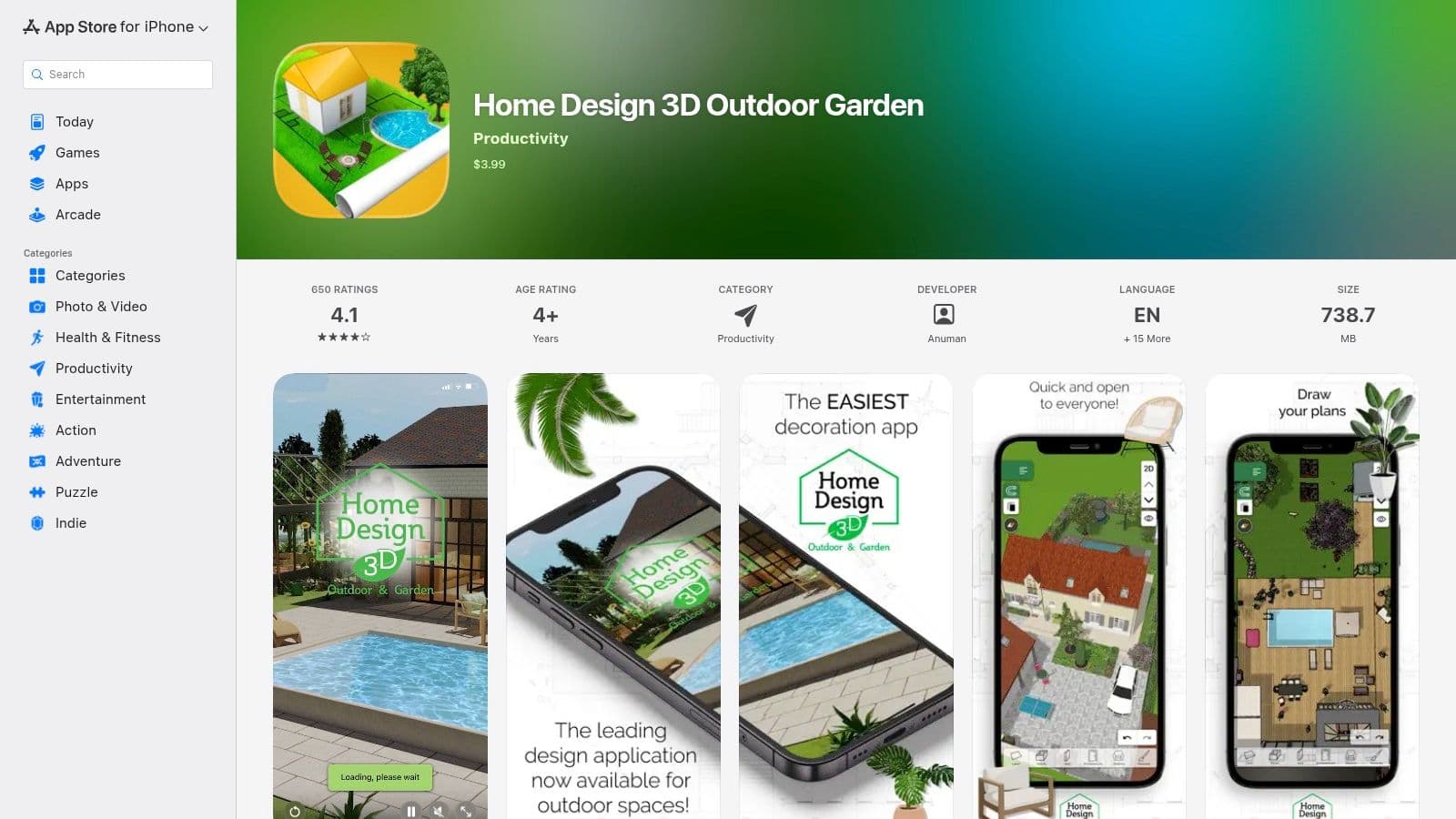
Home Design 3D Outdoor & Garden is the kind of app I recommend when someone says, "I don't need pro software. I just want to see if the patio, pool, and seating layout make sense."
That's a valid job. Not every yard project needs a contractor platform. Sometimes you just need to test spatial arrangement and get a feel for the space.
Best for simple patio pool and furniture layouts
This app is strongest when the project is more about placement than detailing. Patios, outdoor furniture, fences, and basic garden features are where it feels most natural. The switch between 2D and 3D helps non-designers understand what they're doing without much friction.
Where it falls short is realism and professional output. It's not the app I'd choose to sell a major design-build project or produce anything close to construction documentation.
- Use it for: Basic space planning and quick visual experiments.
- Skip it for: Detailed planting design or contractor-ready output.
- What makes it useful: Low barrier to entry.
For first-time planners, that's often enough. A simple app that gets used beats a powerful one that never gets opened.
Use it at Home Design 3D Outdoor & Garden.
9. Planner 5D
A common homeowner problem goes like this. The kitchen remodel is done, then someone realizes the new doors swing toward a patio that no longer fits the furniture plan. Planner 5D is useful for that kind of whole-property thinking because it lets you work on the house and the yard in the same environment.
That makes it a better fit for the job-to-be-done, "I need to see how indoor and outdoor spaces work together," than for the job, "I need a detailed planting plan" or "I need contractor-ready documents." It handles layout, flow, and presentation well. It is less convincing once the work gets plant-specific or construction-specific.
Best for homeowners planning house and yard together
Planner 5D works best for remodels, additions, deck projects, outdoor kitchens, and backyards that depend on how the house functions. If the question is where the doors open, how a dining area connects to the patio, or whether a pool deck feels crowded from inside the house, this app gives a clearer answer than plant-focused tools.
The trade-off is specialization. You can sketch outdoor areas, place objects, and generate polished views, but the app is not built around horticultural detail or install workflow. For quick concept images, I would still separate that job from full-property planning and use ai garden design software when speed matters more than modeling the entire home.
What stands out with Planner 5D:
- Best use case: Whole-property planning with indoor and outdoor spaces in one model
- Why people like it: Easy to learn, works across devices, and produces clean visuals
- Where it falls short: Limited depth for planting design, material takeoffs, and professional production work
I recommend it for homeowners who want one tool to test layout decisions before talking to a designer or contractor. If your project is driven by spatial relationships, Planner 5D makes sense.
Use it at Planner 5D.
10. Garden Planner Small Blue Printer
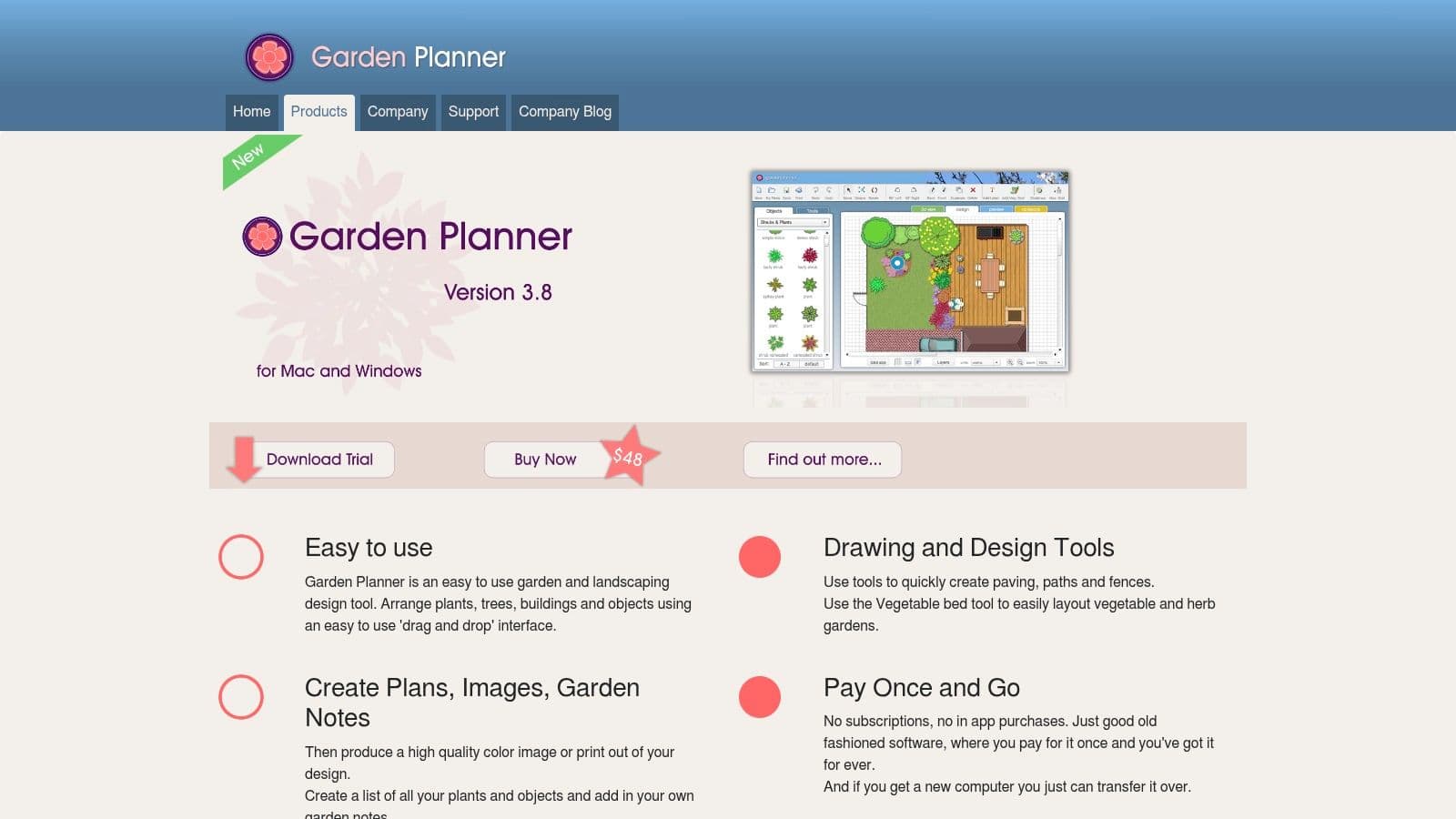
A common job goes like this. You already know the general look you want, but now you need to place beds, space plants, print a clean drawing, and hand that plan to someone who will install it. Garden Planner is built for that stage.
The best fit here is "I need a detailed planting plan." Small Blue Printer keeps the work in 2D, which is often the right call for bed layout, spacing, and basic hardscape placement. You spend less time chasing polished visuals and more time getting dimensions and plant positions right.
Best for straightforward planting plans
I recommend this one for gardeners, homeowners, and working designers who want a clear plan without a heavy learning curve. It is especially useful for planting refreshes, front yard updates, kitchen garden layouts, and smaller residential redesigns where a printable drawing matters more than presentation graphics.
There is a trade-off. Garden Planner is not the tool I would choose for high-end client sales presentations, construction detailing, or field data collection. Broader design platforms now reach into measuring, site records, plant databases, and mobile workflow. USA Shade describes that category well, including apps with very large plant libraries and GPS-based tree identification features. Garden Planner stays focused on layout and planting plans, which is exactly why some users will prefer it.
A clean plan beats a flashy rendering if the actual job is getting the garden built correctly.
If you want to test style directions before committing to a 2D layout, start with ai garden design software. Then move into Garden Planner once you are ready to place beds and plants with more precision.
Use it at Garden Planner.
Top 10 Landscape Design Apps – Feature Comparison
A homeowner usually asks one of three things first. Can I see ideas on my yard fast? Can I show this to a client without apologizing for the output? Can I get a plan with enough detail to price or build it?
That is the right way to compare these tools. A long feature list does not tell you much on its own. The better filter is the job you need done right now.
| Product | Best fit for the job | Core features | UX and output quality | Price approach | Best for |
|---|---|---|---|---|---|
| OutdoorBrite Money | Fast concept visualization on a real site photo | AI photo redesigns; style options; environmental controls; auto-fill; pool and deck modules | High-quality concept images with very little setup | Subscription | Homeowners, contractors, designers who need quick visual direction |
| iScape (iOS/Android) | Mobile-first idea sharing and simple client presentations | Photo-based design tools; plant and material library; proposals; AR on iOS | Easy to use on a phone or tablet. Output is strong enough for early sales conversations | Freemium with paid upgrades | Homeowners and contractors working in the field |
| Home Outside – Yard Planner (iOS) | Quick 2D concept sketching | Drag-and-drop planning; hand-drawn symbols; map import | Friendly and visual. Better for layout thinking than polished presentation work | Paid app | DIY users and designers sketching early ideas |
| Realtime Landscaping Pro | Detailed 3D residential design and walkthroughs | 3D site modeling; planting, decks, water features; walkthroughs | Strong visual output, but more desktop time and setup | One-time license | Contractors and serious DIY users |
| PRO Landscape / PRO Landscape+ | Sales proposals tied to design and estimating | Photo imaging; CAD tools; 3D editor; takeoffs; proposals | Feature-heavy and useful for sales workflow. Takes time to learn well | Paid, contractor-oriented pricing | Design-build firms |
| VizTerra (Structure Studios) | High-end presentation work for outdoor living projects | 3D hardscape and deck tools; imports; presentation mode | Polished client-facing output with professional training support | Subscription | Outdoor living companies and presentation-driven firms |
| SketchUp | Custom 3D modeling when you need control | General 3D modeling; model library; web and desktop versions | Very flexible. Also easy to overbuild simple jobs | Free tier and paid plans | Designers, architects, advanced users |
| Home Design 3D Outdoor & Garden | Fast patio, pool, and furniture layout tests | 2D to 3D workflow; outdoor object library; mobile editing | Simple and approachable. Better for space planning than technical design | Low-cost app | Casual homeowners |
| Planner 5D | One tool for indoor and outdoor planning | 2D and 3D design; cross-platform sync; AI-assisted tools on paid plans | Accessible and easy to learn | Freemium | Homeowners managing broader home projects |
| Garden Planner (Small Blue Printer) | Clear planting layouts and printable plans | 2D drag-and-drop planning; scaled layouts; print-ready output | Plain but efficient. Good for getting planting plans organized | Affordable one-time license | Gardeners and planting-focused users |
The trade-offs matter more than the ratings. OutdoorBrite Money is the quickest option for testing visual directions on a real property photo. Realtime Landscaping Pro, VizTerra, and SketchUp give you more control, but they ask for more setup time and a higher tolerance for technical work. Garden Planner and Home Outside stay useful because plenty of projects still need a clear plan more than a glossy rendering.
If the job is speed, use the tool that gets you to a believable concept in minutes. If the job is selling a design-build project, use the platform that helps you present, revise, and price the work. If the job is planting layout and scale, simpler 2D tools often do the work faster.
From App to Action Bring Your Design to Life
A typical project starts with a simple question. Should the budget go into the front walk, the patio, or the planting beds first? Good design software helps answer that question faster, with fewer bad assumptions.
That is the right way to judge these tools. Not by feature count alone, but by the job you need done. If the job is quick visualization on a real property photo, OutdoorBrite Money fits. If the job is a polished client presentation, PRO or VizTerra usually make more sense. If the job is a scaled planting plan you can print and use on site, Garden Planner is often the better pick.
The software field is active, but still specialized. As noted earlier, buyers usually choose based on one immediate need: speed, proposal quality, or drafting control. That is how these decisions happen in real projects too. Nobody cares about fifty features they will never touch. They care about getting to a clear decision, a client signoff, or a crew-ready plan.
A concept image is not a buildable plan.
I tell clients that early because it prevents expensive confusion later. A rendering can help you compare pavers to gravel, test a bed shape, or see whether a modern look feels too cold against the house. It cannot verify drainage, setback constraints, finish elevations, root conflicts, utility locations, or what happens when the grade is off by three inches at the patio edge.
Use the tool that matches the task:
- Need fast visual ideas on your actual yard: Start with OutdoorBrite Money.
- Need a quick phone or tablet mockup: Use iScape.
- Need a simple sketch plan without much setup: Use Home Outside.
- Need more 3D control for layouts and structures: Use Realtime Design Pro or SketchUp.
- Need a presentation and sales workflow for client work: Use PRO Design or VizTerra.
- Need a clean planting layout you can print: Use Garden Planner.
Start with one zone, not the whole property. Test the entry, patio, pool edge, or one bed first. That keeps the decision small enough to manage and usually tells you whether the style, budget, and materials are heading in the right direction.
If the next step is visual clarity before you spend on materials, AI tools can help. The same way people use top AI photo enhancers to sharpen an image before making a judgment, an exterior design visualizer can help you judge style, layout, and direction before you commit on site.
If the job is speed, OutdoorBrite Money is a practical starting point. It is especially useful for homeowners comparing options, families trying to agree on a direction, and contractors who need presentable visuals without investing days in heavier software.
See your yard reimagined
Start creating