
10 Best Garden Design Apps for 2026
Find the best garden design app for your project. We review 10 top tools for DIYers and pros, from 2D planners to powerful AI visualizers. Start designing now!
Staring at an empty yard can feel exciting and overwhelming at the same time. You have ideas, maybe a rough Pinterest board, maybe a few plant screenshots on your phone, but you still don't know if the layout will work once it's on the ground. Before you dig a single hole, a garden design app can save time, money, and some painful do-overs.
The big shift lately is visualization. Older tools mostly asked you to draw from scratch in 2D, then work hard to imagine the result. Newer apps, especially AI photo-to-render tools, let you start with a real photo of your yard and test ideas quickly. That matters because most homeowners and even plenty of clients struggle to read plan view drawings. They react to images of their own space.
The right choice depends on the kind of project you're tackling. A homeowner planning a few foundation beds doesn't need the same software as a contractor building proposals every week. A vegetable gardener needs different tools than someone redesigning a poolscape. Budget matters too, but so does friction. If an app is technically powerful but you never get past the first screen, it's the wrong app for your job.
Ask three questions first. What's your skill level. What's the project scale. And do you need schematic planning, photoreal visuals, or construction-level detail. Once you know that, the list gets much easier to sort.
Table of Contents
- 1. OutdoorBrite
- 2. iScape
- 3. PRO Landscape
- 4. VizTerra
- 5. GrowVeg Garden Planner
- 6. Planner 5D
- 7. Realtime Landscaping Pro
- 8. RoomSketcher
- 9. Garden Planner
- 10. Home Outside Yard Planner
- Top 10 Garden Design Apps: Comparison
- Your Dream Garden is Just a Click Away
1. OutdoorBrite
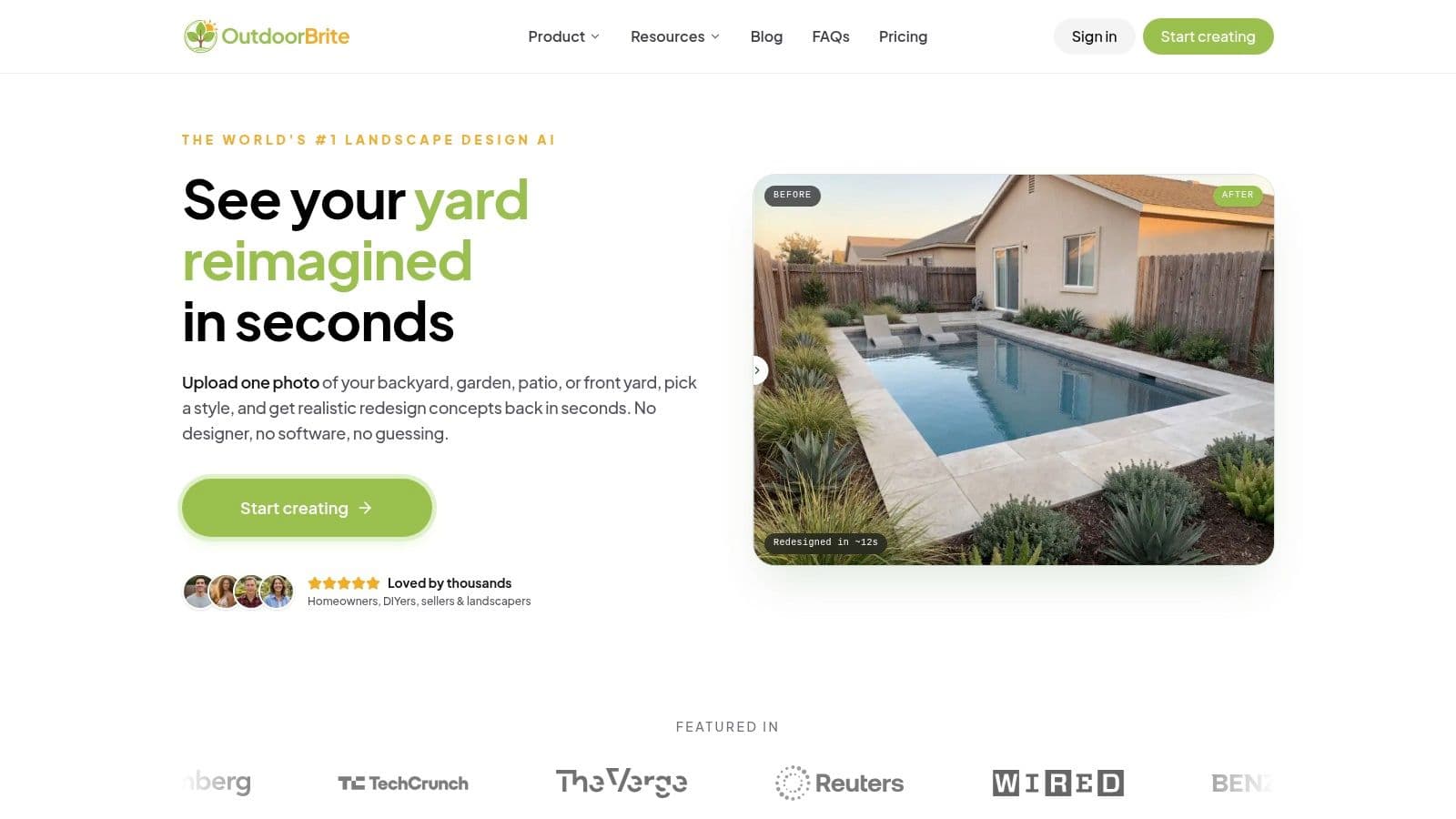
A common garden design stall happens right after the first idea. The homeowner can describe what they want, save inspiration photos, and even agree on a budget range, but still cannot picture how those choices will look in their own yard. OutdoorBrite addresses that specific problem with AI photo-to-render concepts built from a real property image instead of a blank plan.
That changes the job the app does. Rather than asking users to draft beds, paths, and patios from scratch, it helps them compare directions fast and see materials, planting style, and mood in context. For early-stage design decisions, that is often more useful than a polished floor-plan-style interface.
Why OutdoorBrite stands out right now
OutdoorBrite stands out because it treats instant visualization as the main event, not a side feature. Upload a photo of a front yard, patio, side yard, or planting bed, then generate concepts that feel tied to the site you have. That matters in practice because scale mistakes and style mismatches usually show up faster in a property photo than in a schematic drawing.
The AI rendering approach is especially useful during the messy middle of a project. You may be choosing between cottage planting and a cleaner modern layout, or trying to decide whether pavers, gravel, or lawn reduction will improve the space. OutdoorBrite gets those options in front of you quickly, which shortens the gap between vague preference and a direction you can price.
It also gives more useful control than many simple AI image tools. Style options are broad, and settings for season, lighting, and weather help test how a design feels under different conditions. A yard that looks inviting on a bright spring afternoon can feel flat in winter or overly stark at dusk. Those differences affect real decisions.
If you want context on how tools in this category compare, this roundup of Best landscape design apps is a useful reference. OutdoorBrite fits the photo-first end of that spectrum.
Practical rule: Use AI renders to choose a direction. Use scaled plans later for dimensions, drainage, grading, and build details.
Best fit and trade-offs
OutdoorBrite is a strong fit for homeowners, remodelers, real estate prep, and design-build teams that need quick concept visuals before anyone commits to materials or layout changes. I would also use this type of tool early with clients who struggle to read plans. The reason is simple: people respond better to realistic images of their own property than to abstract plans.
The trade-off is straightforward. OutdoorBrite helps with visualization and alignment, but it does not replace a dimensioned design set, permit drawings, or technical documentation for installation. If the project involves drainage work, retaining walls, lighting plans, or precise hardscape layout, another tool or a full design package still needs to follow.
Here's the comparison framework that matters most:
- Ideal for: Homeowners, DIY renovators, and pros who need fast concept visuals on a real property photo
- Standout feature: AI photo-to-render garden redesigns with style and environment controls
- Pricing model: Subscription plans with tiers based on usage and output level
If your main problem is uncertainty, not drafting, OutdoorBrite is built for that stage of the process.
2. iScape
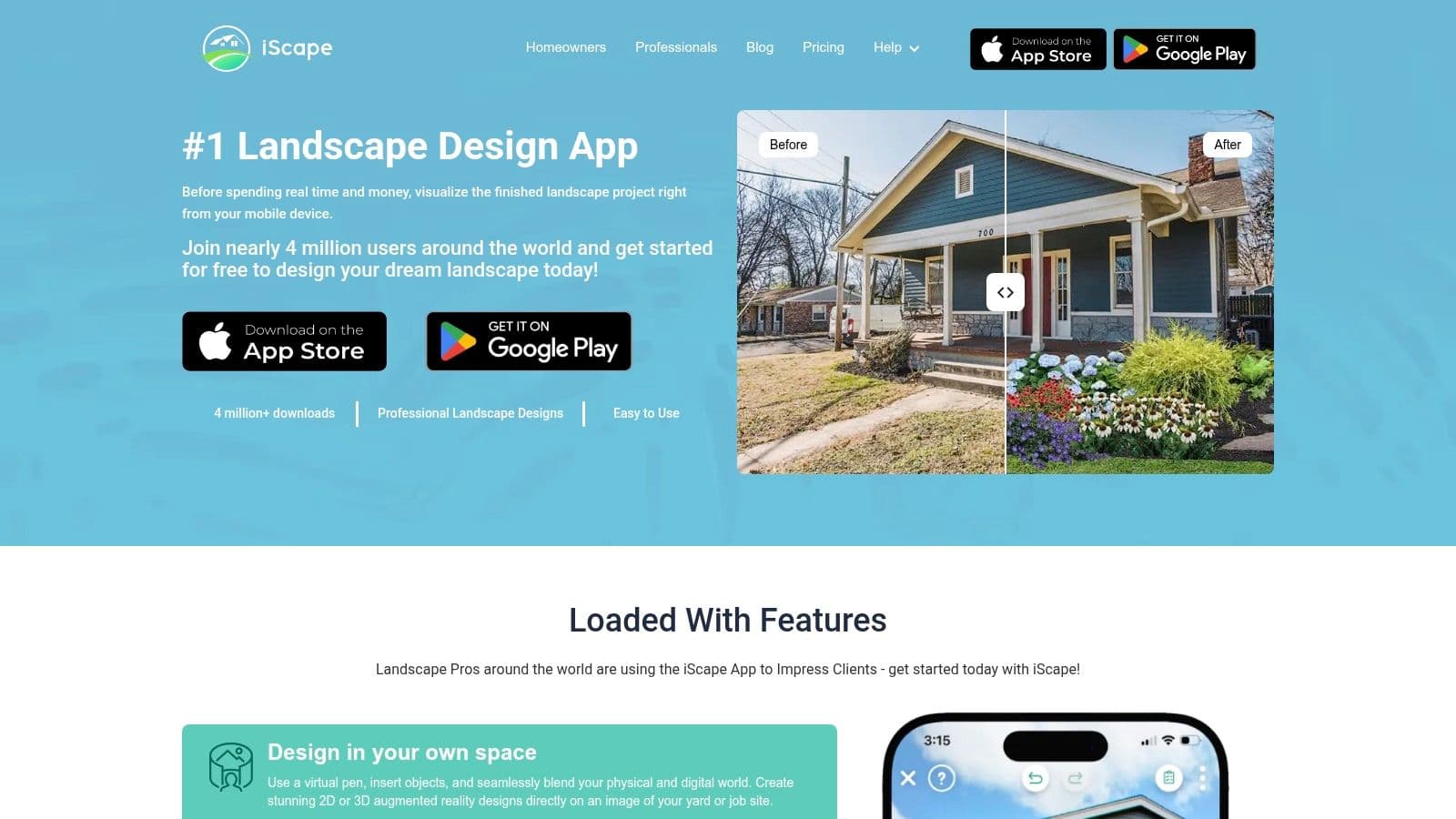
iScape has been around long enough that many contractors already know what it's for. It's a mobile-first tool built for quick garden mockups, on-site visuals, and client-facing proposals. If you work from a phone or tablet while standing in the yard, that matters.
Its biggest advantage is momentum. You can take a photo, mock up a concept, and keep a conversation moving while the client is still outside with you. That's valuable because a lot of projects die in the gap between first meeting and first visual.
Where iScape works best
iScape is strongest when speed matters more than precision. It's useful for before-and-after style presentations, rough planning, and showing clients a believable direction without opening a full CAD workflow. The AR component helps too, especially for homeowners who need help visualizing placement.
If you're comparing apps in this category, this roundup of Best landscape design apps gives helpful context on where quick-visual tools fit. iScape belongs in that conversation because it's built around fast field use, not desk-based detail.
Clients often approve a direction faster when you show a rough visual on site than when you promise a polished drawing later.
Its weakness is the same thing that makes it accessible. It isn't a deep professional drafting environment. The desktop side is limited, and if you need exact layouts, detailed takeoffs, or serious plan documentation, you'll outgrow it.
- Ideal for: Contractors and homeowners who want on-site mockups and quick client buy-in.
- Standout feature: Mobile photo overlays and AR previews during site visits.
- Pricing model: Subscription-style access tied to app features and business use.
Go to iScape if your workflow starts in the field and you want to sell the vision quickly.
3. PRO Landscape
This professional-grade app sits in a different tier from homeowner-focused apps. This is business software for outdoor design professionals and design-build teams that need concepting, estimating, proposals, and workflow continuity in one system. If you're just redesigning your side yard, it's probably too much. If you run installs and sales calls every week, it starts to make sense.
What separates it from lighter tools is that it doesn't stop at pretty pictures. It supports a fuller process that moves from design idea into quoting and sales support.
Who should choose PRO Landscape
The desktop-and-tablet combination is useful for companies that split office work and field work. A team can build base plans, create visual concepts, and then use the companion app on site for measurements, imaging, and client conversations. That's practical, especially when sales and design overlap.
The trade-off is learning curve. The PRO software asks more from the user than mobile-first apps do, and that's normal for software with deeper business functions. You'll invest more time up front, but in exchange you get a workflow that's closer to how a garden design company operates.
A few practical notes:
- Ideal for: Garden design contractors and design-build firms managing proposals, estimating, and client presentations.
- Standout feature: End-to-end workflow from photo imaging and drafting to quote support.
- Pricing model: Quote-based business pricing.
If you need a direct look at the platform, visit PRO Landscape.
4. VizTerra
VizTerra is for polished presentation work. If your business depends on immersive walkthroughs, detailed outdoor living layouts, and client-facing visuals that feel premium, it's one of the stronger options in the professional market. Pool designers and high-end outdoor design contractors tend to get the most from this category of tool.
This isn't the app I'd hand to a casual DIY gardener. It's better thought of as a design presentation and production environment for firms that sell larger projects.
Where VizTerra earns its price
VizTerra does a good job bridging visual impact and professional documentation. Its real-time 3D environment helps designers create walkthroughs and videos that communicate space, not just objects. That matters for patios, grade changes, retaining structures, planting zones, and outdoor rooms where circulation is part of the sale.
The GIS and property-based tools are another sign that this was built for pros, not dabblers. Teams can move from address and site context into a more structured design workflow. Training and vendor support also matter here, because software at this level only pays off if the team uses it effectively.
If you're presenting outdoor living projects with substantial hardscape, clients usually respond better to a walkthrough than to a flat plan.
The downside is obvious. Higher subscription cost, Windows-centric workflow, and more capability than most homeowners need.
- Ideal for: Professional garden and pool design firms producing premium presentations.
- Standout feature: Real-time 3D walkthroughs with strong presentation output.
- Pricing model: Professional subscription.
See VizTerra by Structure Studios for the full product details.
5. GrowVeg Garden Planner
GrowVeg Garden Planner solves a completely different problem from AI rendering tools. It isn't trying to show you a photoreal backyard makeover. It's trying to help you grow food well. For edible gardeners, that focus is exactly why it works.
A lot of general garden design apps are weak once you move into vegetable beds, crop rotation, and seasonal planning. They can show where a raised bed might go, but they don't help much with what belongs in it and when.
Why edible gardeners like it
GrowVeg is strongest for kitchen gardens, allotments, raised beds, and productive family gardens. The drag-and-drop planning is straightforward, and the planting calendars and reminders are more useful than flashy visuals if your real goal is harvest, not presentation. It also supports practical planning habits such as crop rotation and bed organization across seasons.
That purpose-built structure is the reason I'd recommend it over a general garden design app for anyone focused on vegetables. You lose visual drama, but you gain planning discipline.
Its limitations are easy to understand. This is not the tool for front-yard curb appeal concepts, patio materials, or 3D client presentations. It's a functional planner for growers.
- Ideal for: Vegetable gardeners and edible garden designers.
- Standout feature: Planting calendars, crop planning, and bed layout tools.
- Pricing model: Subscription access through the web platform.
If food production is your priority, go straight to GrowVeg Garden Planner.
6. Planner 5D
Planner 5D is useful when the house and the yard need to be planned together. That's its best angle. If you're renovating the patio outside the kitchen, reworking the deck, and also changing interior flow, it's convenient to stay in one ecosystem rather than jump between unrelated apps.
It isn't a dedicated garden design platform first. That's both the advantage and the compromise.
When Planner 5D makes sense
The interface is approachable, and the cross-platform sync is helpful if you sketch ideas on one device and refine them on another. For homeowners, that convenience counts. The AI garden generator also helps people get past the blank-page problem in the early stages.
Where it falls short is outdoor depth. You can build useful concepts and broad layouts, but specialized outdoor design apps still do a better job with planting logic, outdoor detailing, and contractor-facing workflows.
Use this framework if you're deciding:
- Ideal for: Homeowners planning interior and exterior spaces together.
- Standout feature: Unified 2D and 3D home-and-yard design with AI idea generation.
- Pricing model: Freemium-style access with paid upgrades for stronger outputs and features.
Visit Planner 5D if you want one tool for the whole property rather than an exterior-only workflow.
7. Realtime Landscaping Pro
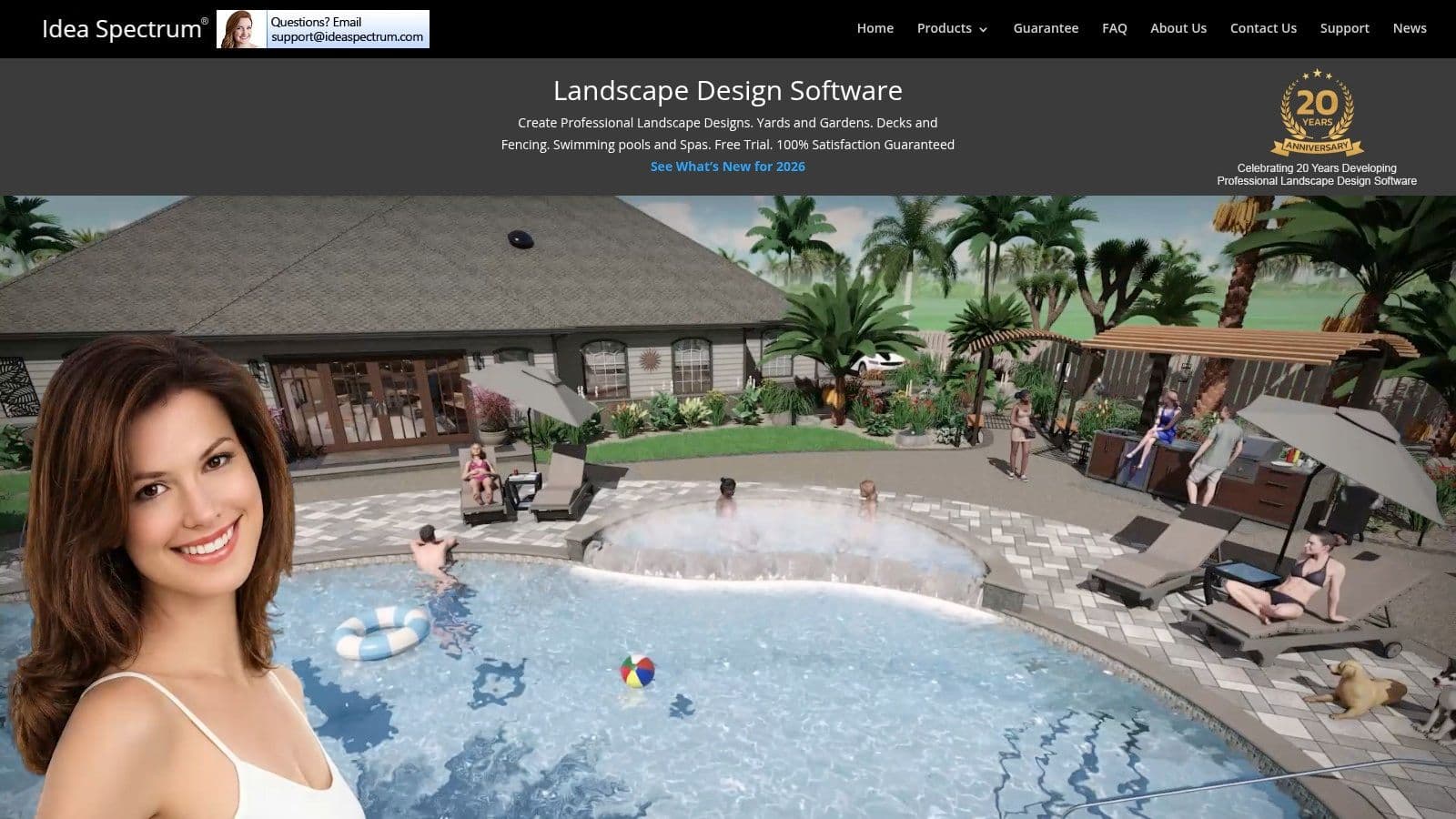
A typical use case is a homeowner planning a sloped backyard with a pond, steps, and planting beds that need to work together before any money gets spent on materials. That is where Realtime Pro still earns its place. It gives you more site control than many app-first tools, especially if the job involves grade changes, water, or a fuller 3D presentation.
The trade-off is speed. Newer AI photo-to-render tools are better for instant concepting. You can drop in a yard photo, test broad directions quickly, and get fast visual feedback. Realtime Pro is better once the concept has legs and you need to shape the site with more intent.
Where desktop software still has an edge
I would put this in the serious-planning category, not the casual-ideas category. The software is useful for users who want to model terrain, place structures, refine water features, and study how parts of the yard relate in three dimensions without moving into full CAD.
That middle ground matters. Mobile apps are often quicker for early inspiration, but they can gloss over slope, elevation transitions, and the practical spacing around built elements. Idea Spectrum's software gives you a clearer working model, even if the interface feels more old-school than newer AI-driven options.
The license model also changes the buying decision. If you dislike stacking monthly subscriptions, a one-time desktop purchase is still attractive.
Use this framework if you're comparing tools:
- Ideal for: Serious DIY users, small firms, and contractors who want detailed 3D yard design on Windows.
- Standout feature: Real-time 3D visualization with terrain editing and water feature tools.
- Pricing model: Perpetual desktop license.
You can review it at Idea Spectrum's Realtime Landscaping Pro.
8. RoomSketcher
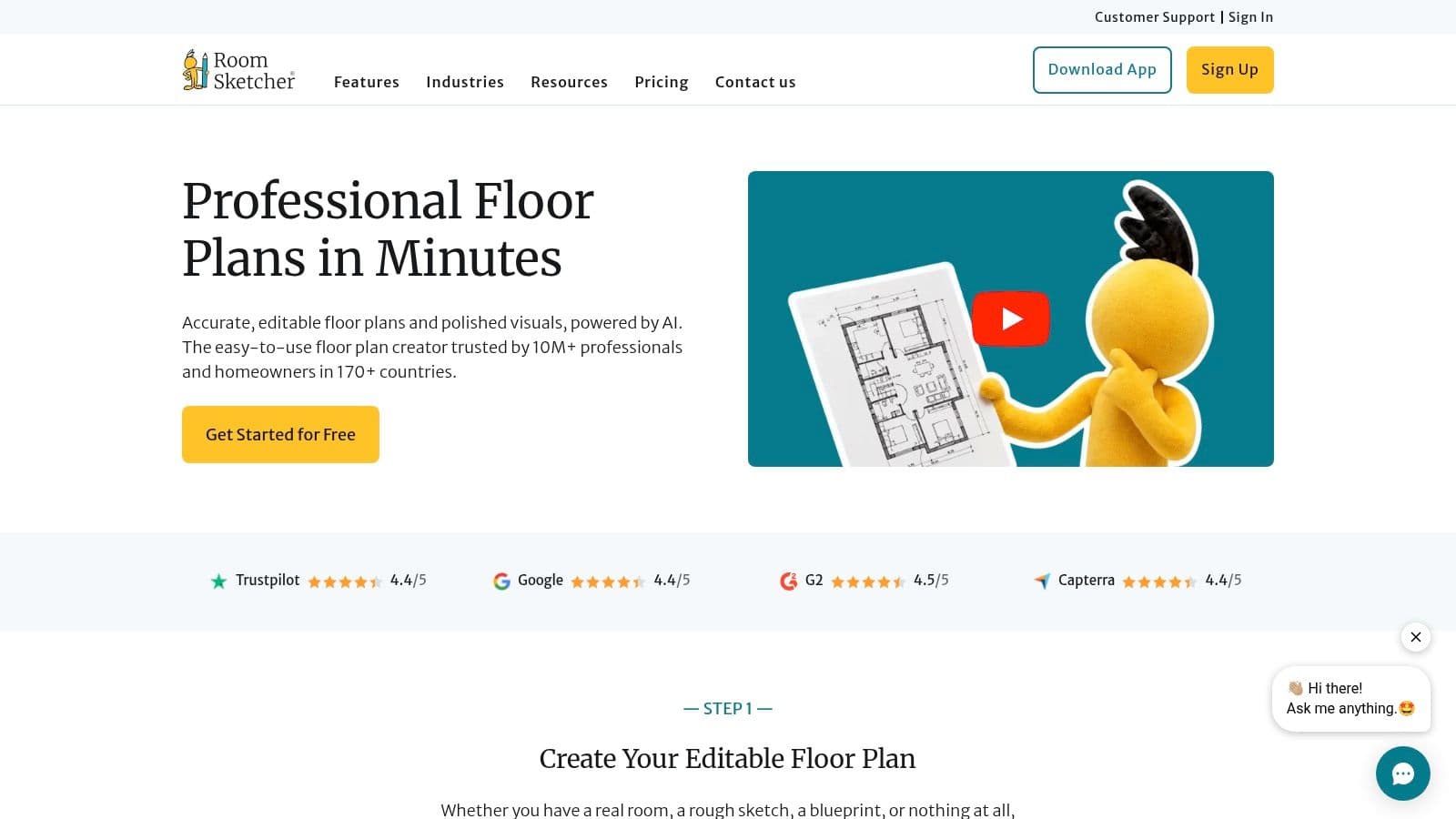
RoomSketcher is one of the cleaner options for people who need professional-looking site plans without learning heavy design software. It's especially useful for property layouts, garden zones, patios, pool placements, and general spatial organization. Think clean presentation over horticultural depth.
If you regularly need to show a backyard layout to a client, contractor, or even a permitting conversation, clean drawings go a long way.
Best use case for RoomSketcher
RoomSketcher works well when the garden is part of a broader site-planning problem. You can lay out structures, furniture zones, hardscape, and circulation clearly in both 2D and 3D. The visuals are polished enough for presentations, but the workflow stays approachable.
What it doesn't do particularly well is plant-specific decision support. It's not an edible garden planner, and it's not a specialist planting design system. It's a planning and presentation tool.
That makes it a good fit for:
- Ideal for: Homeowners, designers, and real estate-oriented users creating clean site and yard plans.
- Standout feature: Easy-to-share 2D and 3D plans with a professional look.
- Pricing model: Subscription and credit-based export model.
You can explore it at RoomSketcher.
9. Garden Planner
Garden Planner by Artifact Interactive is simple in the best sense. It doesn't try to be photoreal, enterprise-grade, or overloaded with workflow features. It helps people lay out beds, paths, fences, planting groups, and yard elements quickly. That's often enough.
For beginners, simplicity is not a downgrade. It's what gets the plan finished.
What it does well
The drag-and-drop interface and symbol-based planning make it easy to block out a garden without learning design software vocabulary. If you're reorganizing a backyard border, sketching a cottage garden layout, or planning a few structural changes, it's efficient. The reports and printable plans are also useful for shopping and install prep.
The new 3D walkthrough view adds some spatial help, but this is still mainly a schematic planning tool. Don't expect high-end renderings or species-rich planting intelligence. Its strength is clarity, not spectacle.
A practical summary:
- Ideal for: Beginners and budget-conscious users who want quick 2D garden layouts.
- Standout feature: Fast schematic planning with printable plans and object reports.
- Pricing model: One-time purchase.
See Garden Planner by Artifact Interactive if you want straightforward software that gets out of your way.
10. Home Outside Yard Planner
Home Outside feels like a first-step tool, and that's a compliment. It's approachable, light, and focused on helping homeowners sketch a basic yard concept without getting overwhelmed. For many people, that's the right entry point into the garden design app world.
When someone says, “I just need to see where the patio, trees, and beds might go,” this is the kind of app I think about.
Best for first-pass ideas
The app keeps things simple with drag-and-drop planning, symbols for planting and hardscape, and basic guidance around plant choices. It won't replace a full design workflow, but it can turn scattered ideas into a coherent rough layout. That's valuable because many stalled projects don't need advanced software. They need a starting structure.
If you're still in the idea-gathering phase, this guide on how to design your backyard online free pairs well with a lightweight planning app like this. It helps clarify what kind of visual tool you need before spending time on something more complex.
The constraints are predictable. Library depth is smaller, advanced tools are limited, and platform availability can be narrower than broader design suites.
- Ideal for: Homeowners making simple front-yard or backyard concept layouts.
- Standout feature: Very beginner-friendly yard sketching on mobile.
- Pricing model: App-based purchase or platform-specific pricing.
You can check it out at Home Outside Yard Planner.
Top 10 Garden Design Apps: Comparison
A good comparison table should help you choose faster, not just stack features side by side. In practice, these tools split into three useful groups: quick AI photo visualizers, planning tools for specific jobs like edible gardens, and professional design software for detailed client work. That matters because the right app depends on the decision in front of you. Do you need to test a look on a real photo, map planting beds, or produce a presentation a client can approve?
The newer AI photo-to-render apps have changed this category. They shorten the gap between “I think this could work” and “now I can see it.” But instant visualization is only one part of the job. A kitchen garden still needs spacing and seasonal logic. A contractor still needs estimating, drafting, or presentation tools. Use the table below as a working framework: Ideal For, Standout Feature, and Pricing Model matter more than a long feature list.
| Product | Ideal For 👥 | Standout Feature 🏆 | Pricing Model 💰 | Practical Notes |
|---|---|---|---|---|
| OutdoorBrite | Homeowners, DIYers, contractors, real estate pros | AI photo-to-render concepts from one property photo | Subscription tiers | Best fit for fast visual testing. Strong choice when the main question is style, layout feel, or curb appeal before detailed planning starts. |
| iScape | Homeowners and contractors who work from a phone or tablet | On-site AR previews and proposal tools | Mobile subscription or in-app tiers | Useful during site visits. The trade-off is that mobile convenience can feel lighter than desktop software for full plan development. |
| PRO Landscape | Contractors and professional garden designers | Photo imaging, CAD drafting, takeoffs, estimating | Quote-based, higher-cost | Built for sales and production workflows, not casual experimenting. Worth the cost if your team needs design tied to bids and install work. |
| VizTerra (Structure) | Firms that sell larger outdoor projects through presentation | Real-time 3D walkthroughs and polished videos | Higher subscription | Strong presentation tool for premium jobs. It asks for training time, so it makes more sense for teams than solo homeowners. |
| GrowVeg Garden Planner | Vegetable gardeners and kitchen-garden planners | Plant spacing, crop rotation, calendars | Subscription | The practical winner for edible growing plans. It is less about visual drama and more about getting the planting plan right. |
| Planner 5D | DIYers planning both home interiors and yard areas | Unified indoor and outdoor modeling with AI assists | Freemium with paid upgrades | Handy if one project spans inside and outside. Planting depth is thinner than more garden-specific tools. |
| Realtime Landscaping Pro | Serious DIYers and contractors using Windows | One-time license with strong 3D yard visualization | Perpetual license | Good long-term value for users who dislike subscriptions. The limitation is platform choice and a more traditional software feel. |
| RoomSketcher | Homeowners, designers, and small firms needing clean plan output | Fast, client-ready 2D and 3D plans | Freemium plus export credits | Best used for layout communication. Better at clear plan presentation than detailed planting intelligence. |
| Garden Planner (Artifact) | Beginners and hobby gardeners | Simple drag-and-drop schematics with a low learning curve | Affordable one-time purchase | Good for rough planning without much setup. Visuals are basic, but that is often enough for early bed and path decisions. |
| Home Outside, Yard Planner | Casual users sketching quick yard ideas on iOS | Fast mobile yard and garden concepting | Low-cost app purchase | A light first-step tool. Useful for rough placement studies, not for advanced detailing or professional documentation. |
Your Dream Garden is Just a Click Away
You are in the yard with three competing ideas and one budget. Keep more lawn for kids, widen the patio for entertaining, or claim that back fence line for planting beds. A good garden design app helps you compare those options before you commit money to stone, soil, or labor.
That is why the comparison framework matters. Ideal For tells you whether the app fits a homeowner testing ideas, a kitchen gardener planning crops, or a designer preparing client work. Standout Feature highlights the one capability that changes the workflow, whether that is AI photo-to-render visualization, estimating support, or cleaner plan output. Pricing Model keeps a promising tool from becoming the wrong purchase six weeks later.
AI photo-to-render tools deserve special attention because they change the first conversation. Instead of asking a client or homeowner to interpret a plan view, you can place a concept over a real yard photo and get a faster reaction to layout, style, and material direction. That speed is useful early. It helps narrow options before anyone spends time refining details that may not survive the first review.
The trade-off is straightforward. A convincing image can sell a direction, but it does not solve grading, spacing, irrigation, or construction detailing. I use quick visual tools to test ideas, then switch to the software that matches the job. GrowVeg suits edible planning. PRO Design and VizTerra fit presentation-heavy design-build work. RoomSketcher and Garden Planner make sense for simpler layout studies where clarity matters more than planting depth.
That is where the savings usually show up. It is cheap to adjust a bed edge, path alignment, or seating zone on a screen. It is expensive to shift paving after base prep, move a tree once it is planted, or discover that circulation feels tight after installation starts.
Choose the app based on the decision you need to make now. If you want fast concept validation from a site photo, use an AI render tool. If you need a working crop or bed plan, use the app built for that purpose. If the deliverable needs to communicate clearly with clients or contractors, choose the one that produces stronger plans and presentation views. If the yard project includes a social area, it also helps to look at ideas for designing captivating patios so planting and hardscape support the same outdoor use.
OutdoorBrite Money is a practical option for quick concept testing. It suits homeowners comparing directions and professionals who want a fast visual starting point from an existing yard photo. For that use case, it is worth a look at https://www.outdoorbrite.com.
See your yard reimagined
Start creating